
Open from anywhere
Press Control–Command–N to bring the notes panel into focus.
Menu bar notes for macOS
Open NanoPad from the keyboard, find or create a note, and keep writing in a focused markdown editor—with sticky windows and iCloud sync when you need them.
Mac beta available now on TestFlight
Enter your email and we'll send you the link.
Press ⌃⌘Nto open your notes from anywhere.
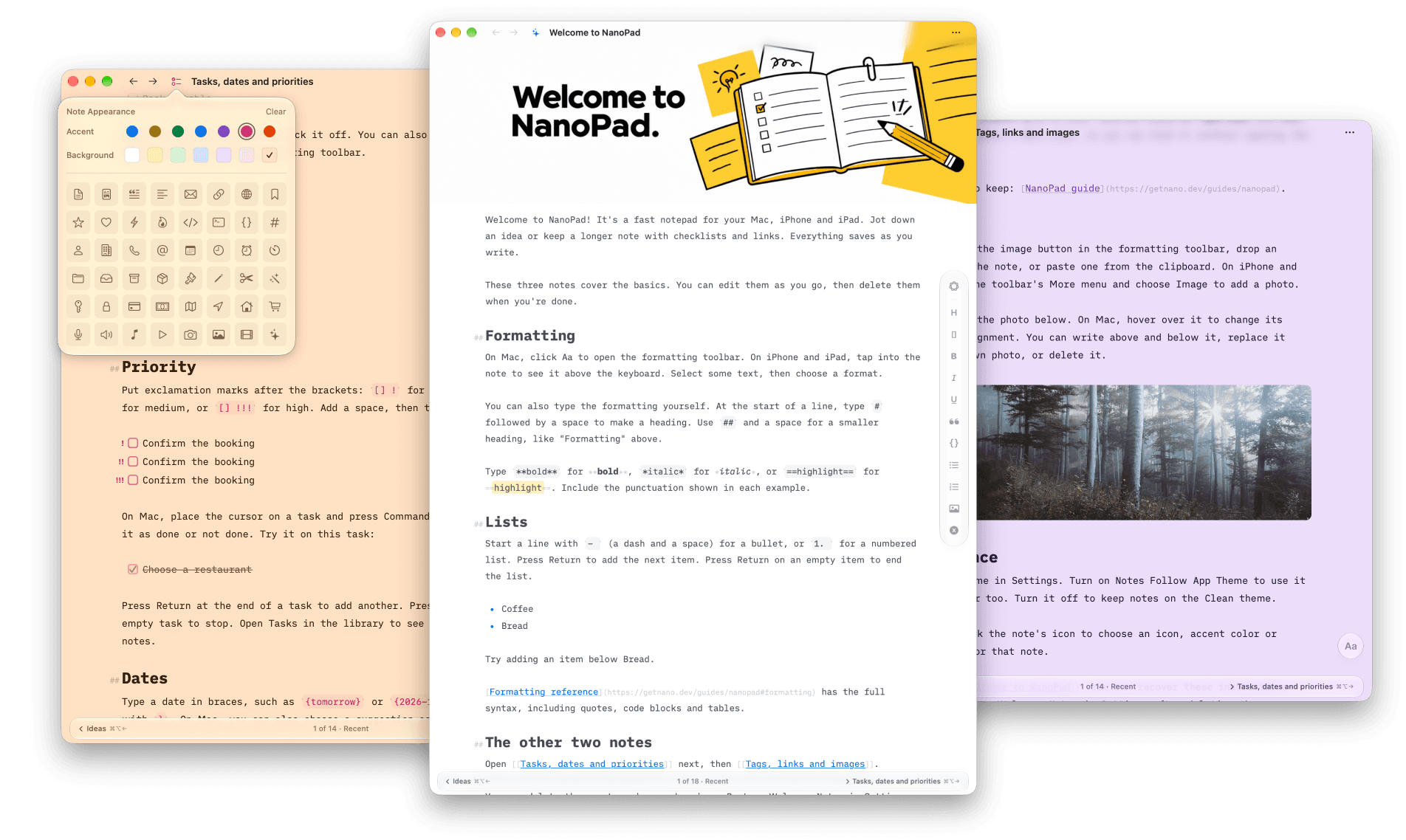
The core loop
Press Control–Command–N to bring the notes panel into focus.
Search existing notes with the keyboard or create a new one in place.
Keep editing in markdown, pin the note as a window, or dismiss the panel.
Built around the note
NanoPad keeps capture, editing, and retrieval in one small Mac utility. Try these features in the beta and help shape what comes next.
Write naturally
# Project notes
[ ] Send the draft
[[Launch checklist]]
#release
NanoPad recognizes
The same note · two useful states
Launch checklist
[x] Prepare build
[ ] Send release notes
[ ] Publish update
Launch checklist
The note becomes a lightweight window you can leave beside the work.
Keep a simple structure
Synced through your iCloud
Notes and folders stay available across the Macs signed into your Apple account.
Small by design
Local-first notes
NanoPad stores the working library on your Mac. It does not need a NanoApps notes server.
Your iCloud
Optional cross-Mac sync runs through the Apple account already connected to your devices.
None
No prompts, assistants, embeddings, or remote model pipeline between you and the note.
Mac beta available
Join the beta to try NanoPad on TestFlight. Your feedback will help shape the first release.
Join the beta
The NanoPad Mac beta is ready to try. Leave your email and we'll send you the TestFlight link. Your feedback will help shape the first release.
Your email is sent to our mailing provider only when you submit this form. It is used for NanoPad beta access and product updates.