
Stay in your app
Put the cursor where you want to write. Press Control–Command–W to start dictation.
Voice typing for Mac
Dictate in the Mac apps you already use. Press a shortcut, speak, then press Return to put text at your cursor. Start free; shape your words with templates when you upgrade.
You say
“Hi Morgan, the first cut is ready. I need your feedback on the opening by Thursday so we can publish Friday. Also, should the shorter version go on LinkedIn?”
At your cursor
Hi Morgan,
The first cut is ready. Could you send feedback on the opening by Thursday? That gives us time to publish Friday.
Should we also put the shorter version on LinkedIn?
How it works
Put the cursor where you want to write. Press Control–Command–W to start dictation.
Speak naturally. NanoVoice turns your speech into text while you focus on the thought.
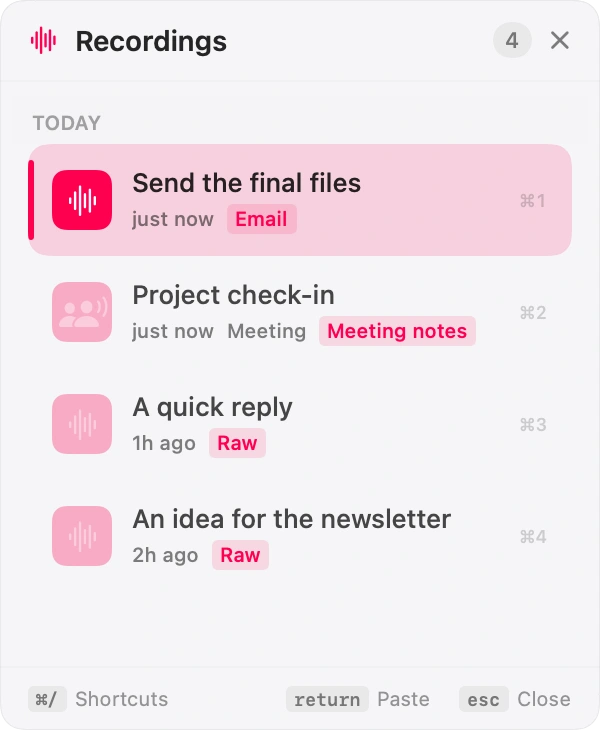
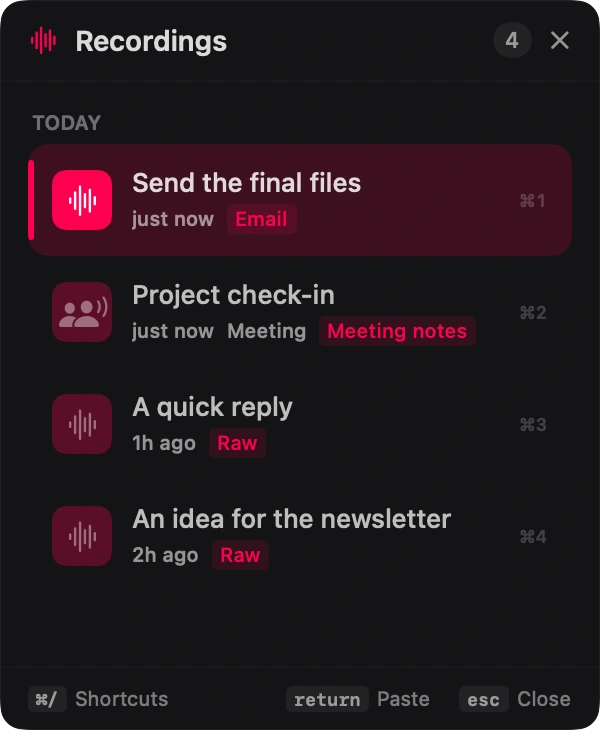
Your words land at the cursor. A copy stays in your recordings so you can find it again.
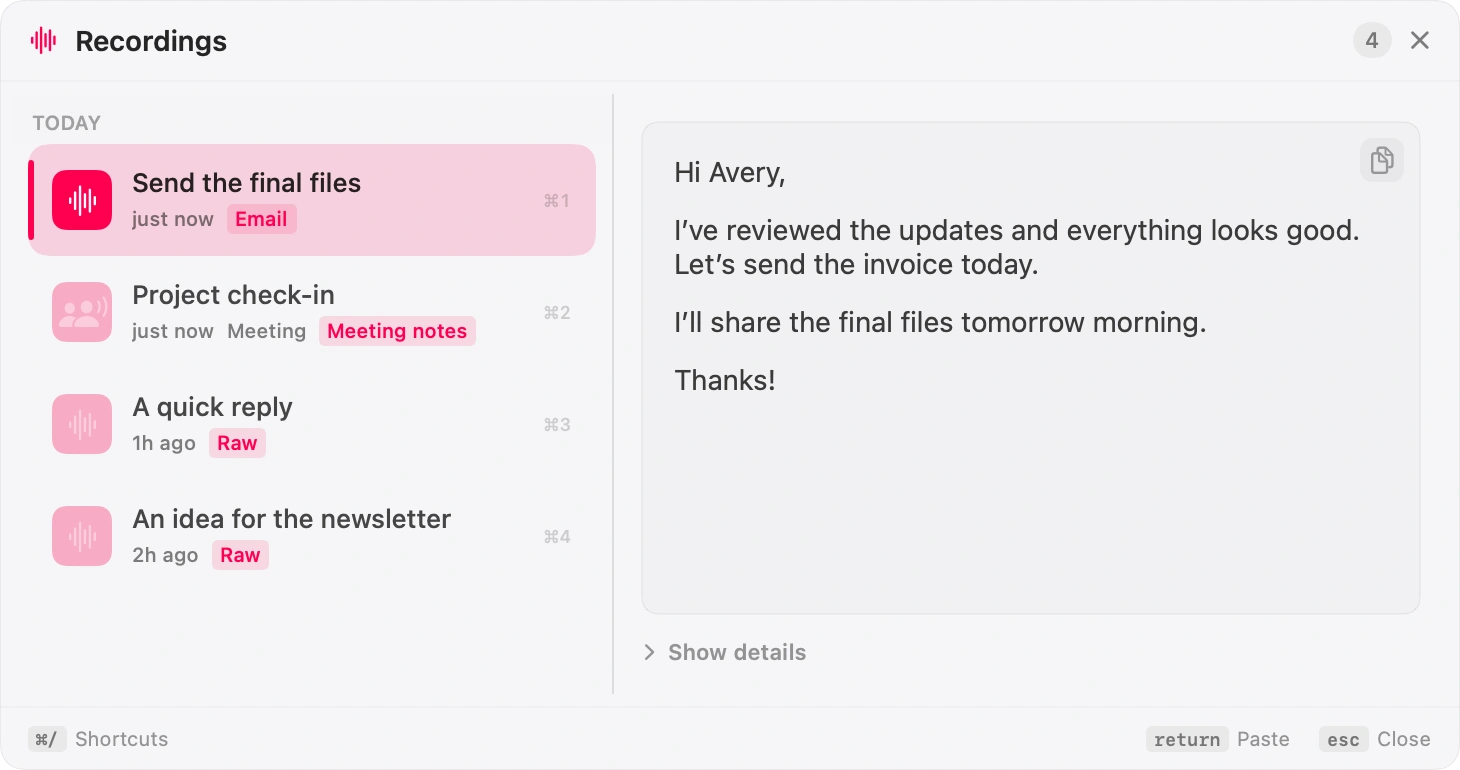
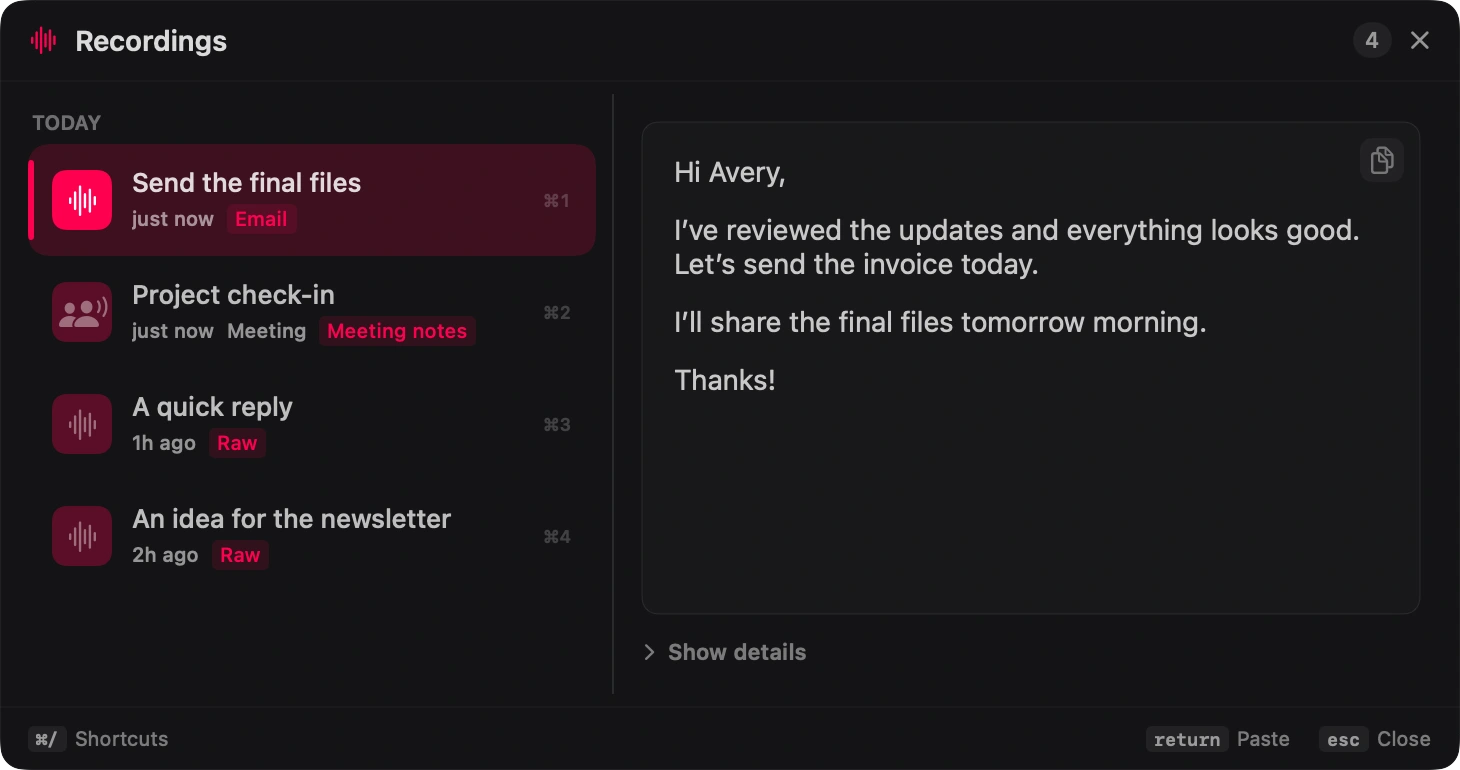
Beyond raw dictation
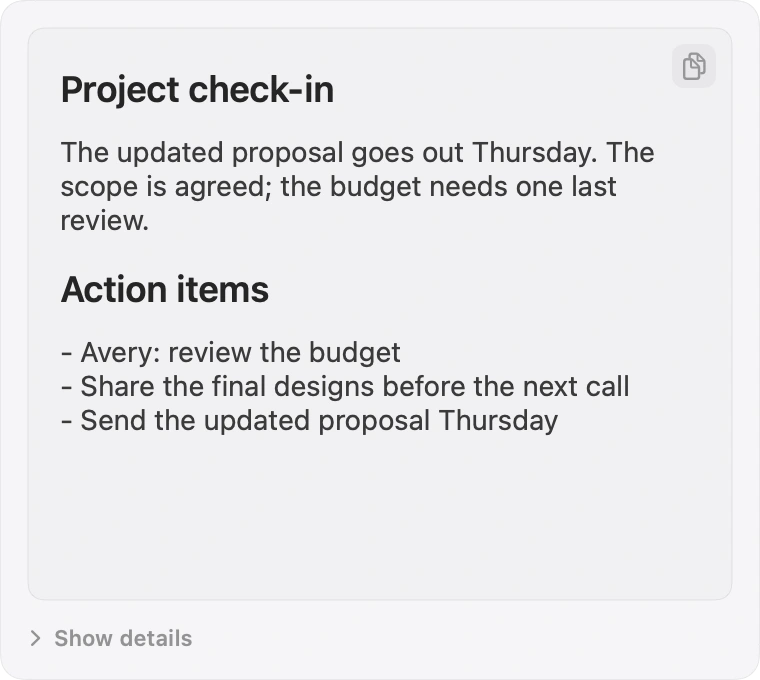
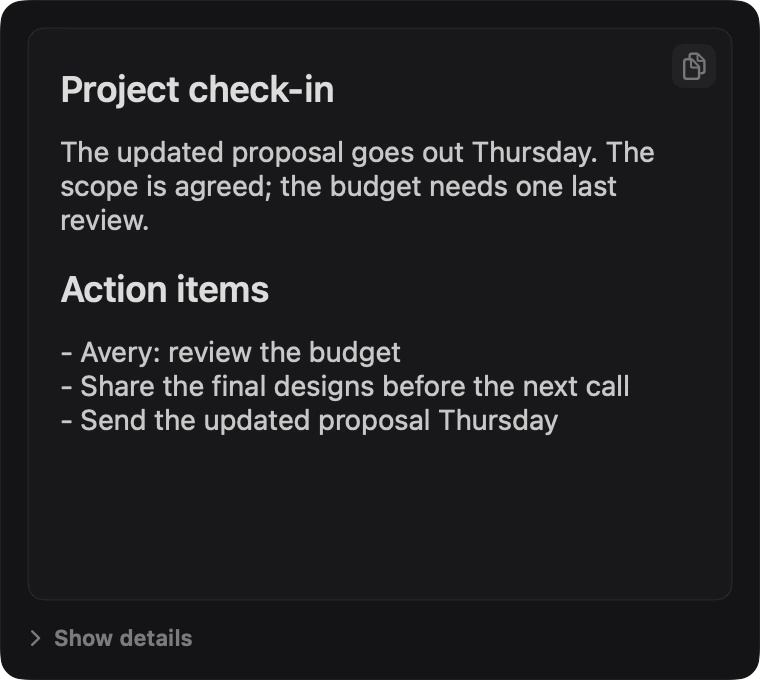
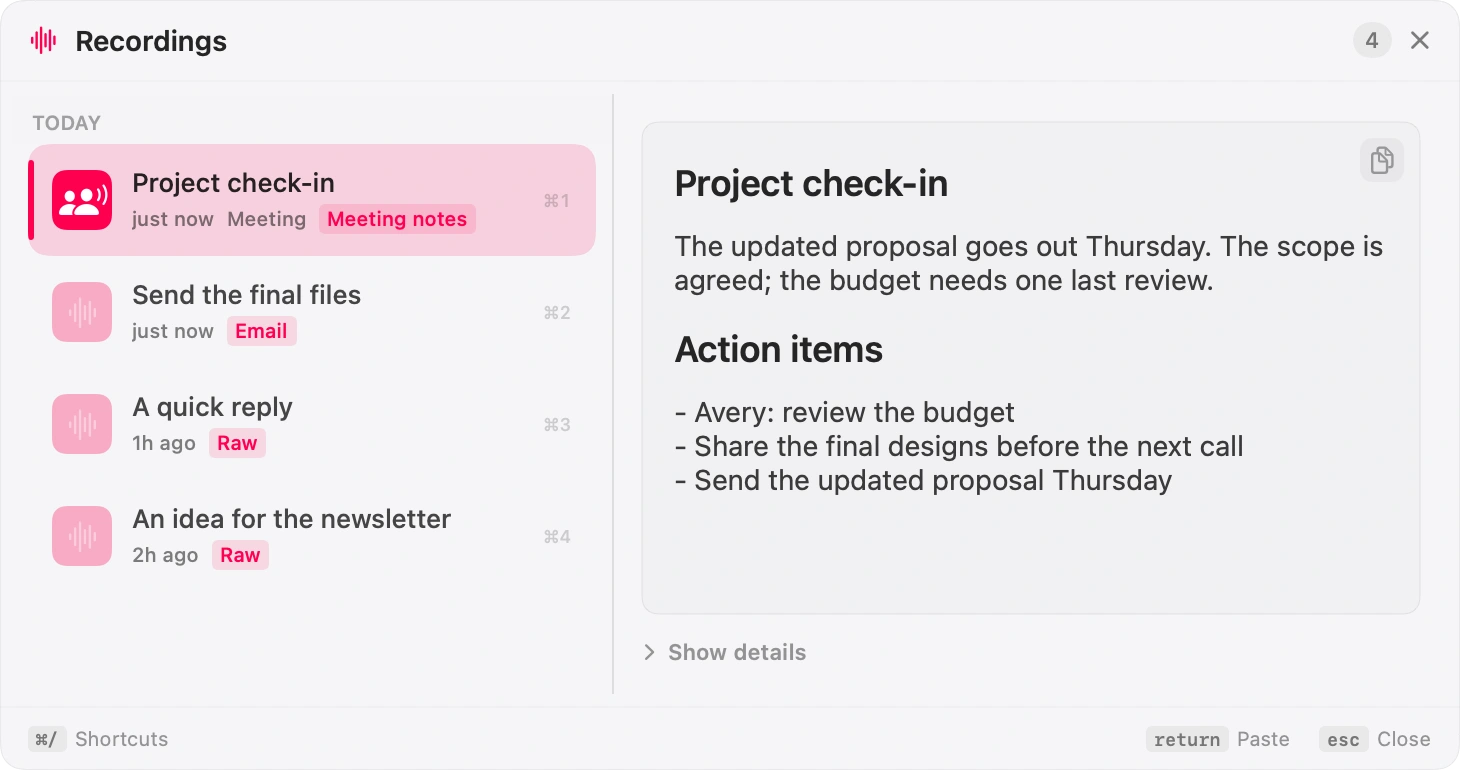
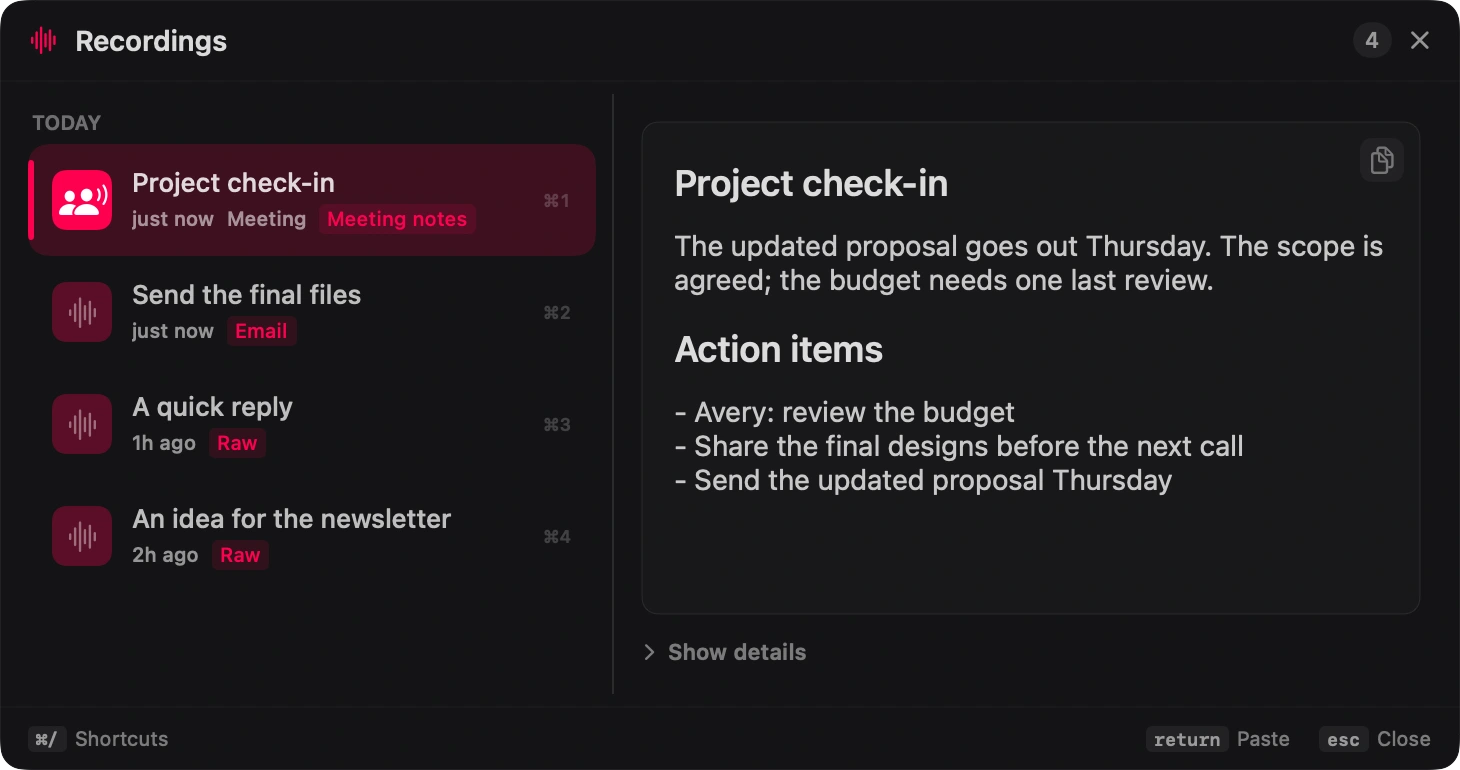
Your recordings, your choice
Your Mac hears it
Start free with Apple Speech. Lifetime adds Whisper and Parakeet models that run on your Mac.
Your Mac keeps it
Dictations and meetings stay in NanoVoice's local recordings database.
No account required
Download, grant the required macOS permissions, and start speaking—no bot or hosted workspace required.
Pay once
Lifetime is a one-time upgrade, not a monthly dictation plan or team contract.
Pricing
Basic dictation does not need a subscription or an account. Lifetime adds local models and the tools around the transcript, including private Meeting Mode.
Compare the tradeoffs
Cloud service · subscription · cross-platform
Choose NanoVoice when local transcription, a Mac-native workflow, and $4.99 once matter more than cross-platform reach.
→02Local Whisper · broader model catalog · iOS
Both can keep speech on-device. NanoVoice is the smaller keyboard utility with free Apple Speech and local Meeting Mode.
→Before you speak
Dictation toggles with ⌃⌘W (Control+Command+W). Meeting Mode starts/stops with ⌃⌘M (Control+Command+M). The recordings panel opens with ⌃⌘R (Control+Command+R). While recording, ↩ commits and pastes; esc cancels. NanoVoice deliberately avoids ⌘⌥-letter defaults because macOS often intercepts them — you can rebind shortcuts in Settings → Shortcuts.
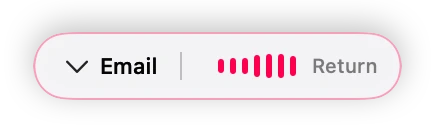
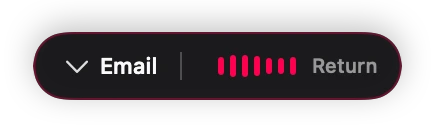
Press ⌃⌘W to start. A small capsule appears near your text cursor with mic levels (and a template picker on Lifetime). Speak, then press Return or ⌃⌘W again to finish. NanoVoice turns your speech into text on your Mac, pastes at your cursor, and saves the recording to history. With Lifetime templates enabled, it can also reshape the transcript before pasting.
No. Free is speech-to-text only — Apple Speech transcribes what you said and pastes it. Templates (Email, Message, Notes, and custom presets) are Lifetime features that reshape the transcript into structured markdown. The free "Transcript" template is a lightly cleaned passthrough, not a reshaping template tier.
Free keeps your 3 most recent recordings open and pasteable. Older recordings aren't deleted — they stay visible in the panel but locked (blurred preview, lock icon) as a reminder of what Lifetime unlocks. Activating Lifetime reveals your entire history in place, including everything recorded while on the free tier.
Whisper is local speech-to-text through WhisperKit — higher quality than Apple Speech, runs entirely on your Mac, and downloads its model on first use. It is included with the Lifetime license; the free tier uses Apple Speech only.
Yes for speech-to-text. Apple Speech, Whisper, and Parakeet transcribe on your Mac. Some optional steps can use the network: downloading local models, checking a license, or using your own cloud API key for template formatting.
No. Meeting Mode is a Lifetime feature for private, Mac-local meeting notes. It captures your microphone plus meeting audio from this Mac, shows processing in the menu bar and recording history, then saves the transcript and summary locally. It does not invite a bot or join the meeting as a participant.
Not for transcription. Free uses Apple Speech on device; Lifetime can add local Whisper or Parakeet. Template enhancement (Email, Message, Notes) may use Ollama on localhost or your own cloud API keys (BYOK) — we do not host speech-to-text or proxy your audio.
No. Lifetime is $4.99 once through Polar. No annual fees and no usage metering on our side.
Microphone (record), Speech Recognition (Apple on-device transcription), and Accessibility (paste at your text cursor and position the capsule). Global shortcuts use Carbon hotkeys like NanoClip — no Input Monitoring required.
No. It is a direct download (Developer ID signed). Buy and activate Lifetime from Settings → License after checkout.
macOS 15 or later.
Wispr Flow is a cloud AI dictation app on a subscription, across Mac, Windows, and iOS. NanoVoice is keyboard-first and transcribes on-device (Apple Speech, or local Whisper on Lifetime), for a one-time price with no account. If you want cross-platform reach and cloud AI, Wispr Flow fits; if you want Mac-local privacy and one-time pricing, NanoVoice does. Full NanoVoice vs Wispr Flow comparison →
Both transcribe locally with Whisper, so audio stays on your Mac. superwhisper offers a broader local model catalog, customizable modes, and an iOS app. NanoVoice starts free with Apple Speech (no download), is keyboard-first in the menu bar, adds local Meeting Mode notes, and is a one-time purchase. Full NanoVoice vs superwhisper comparison →
Yes. NanoVoice is part of NanoApps alongside NanoClip (clipboard, snippets, flows) and NanoPad (menu bar notes). They share NanoKit for themes, hotkeys, and floating panels. NanoApps home →
Ready when you speak
Start free with Apple Speech. Press ⌃⌘W, speak naturally, and see whether NanoVoice belongs in your workflow. Lifetime adds local models, private meeting notes, and more ways to shape what you said.
Free with Apple Speech. Lifetime is $4.99 once and adds local Whisper, Meeting Mode, templates, and unlimited history.
Developer ID signed · Not on the Mac App Store
Have an idea for NanoVoice? Request or vote on features.
Keep comparing
Practical guides for privacy, price, meetings, and choosing the right Mac dictation workflow.