
Copy normally
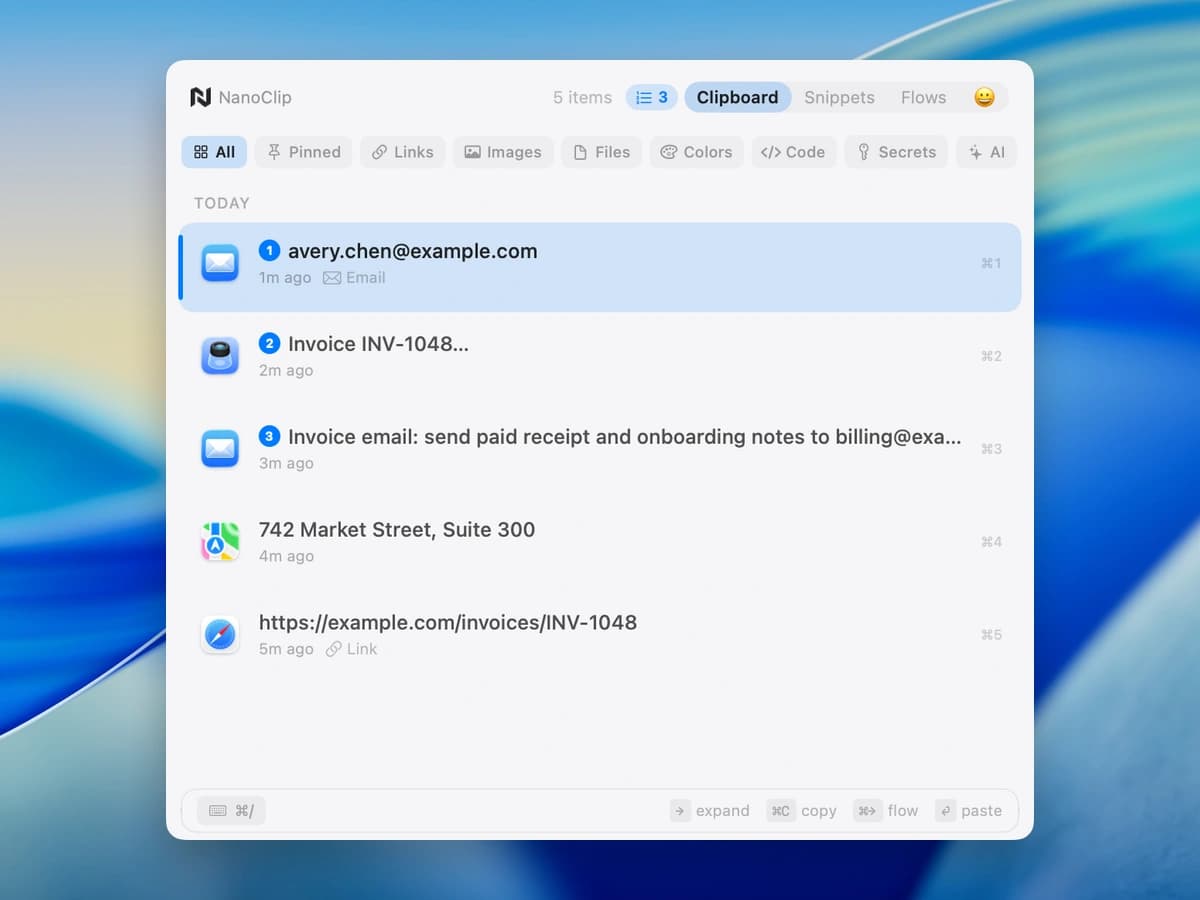
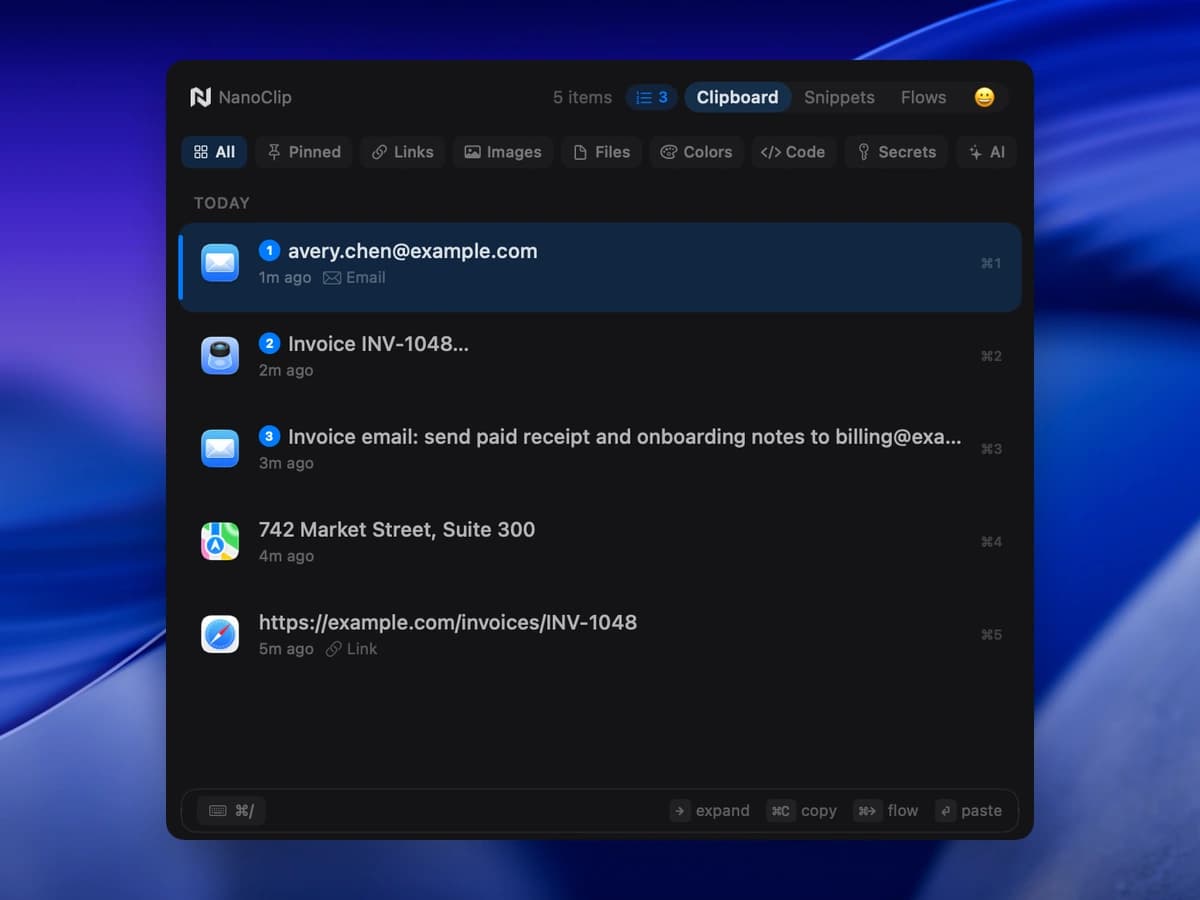
NanoClip quietly remembers text, links, images, files, colors, and code.
Clipboard history for Mac
Copied something else? Your last copy is still here. NanoClip remembers your clipboard so you can find that link, address, or bit of text and paste it again in any Mac app.

macOS 14+ · No account required
See NanoClip in action.
18 seconds · History, Snippets & FlowsHistory
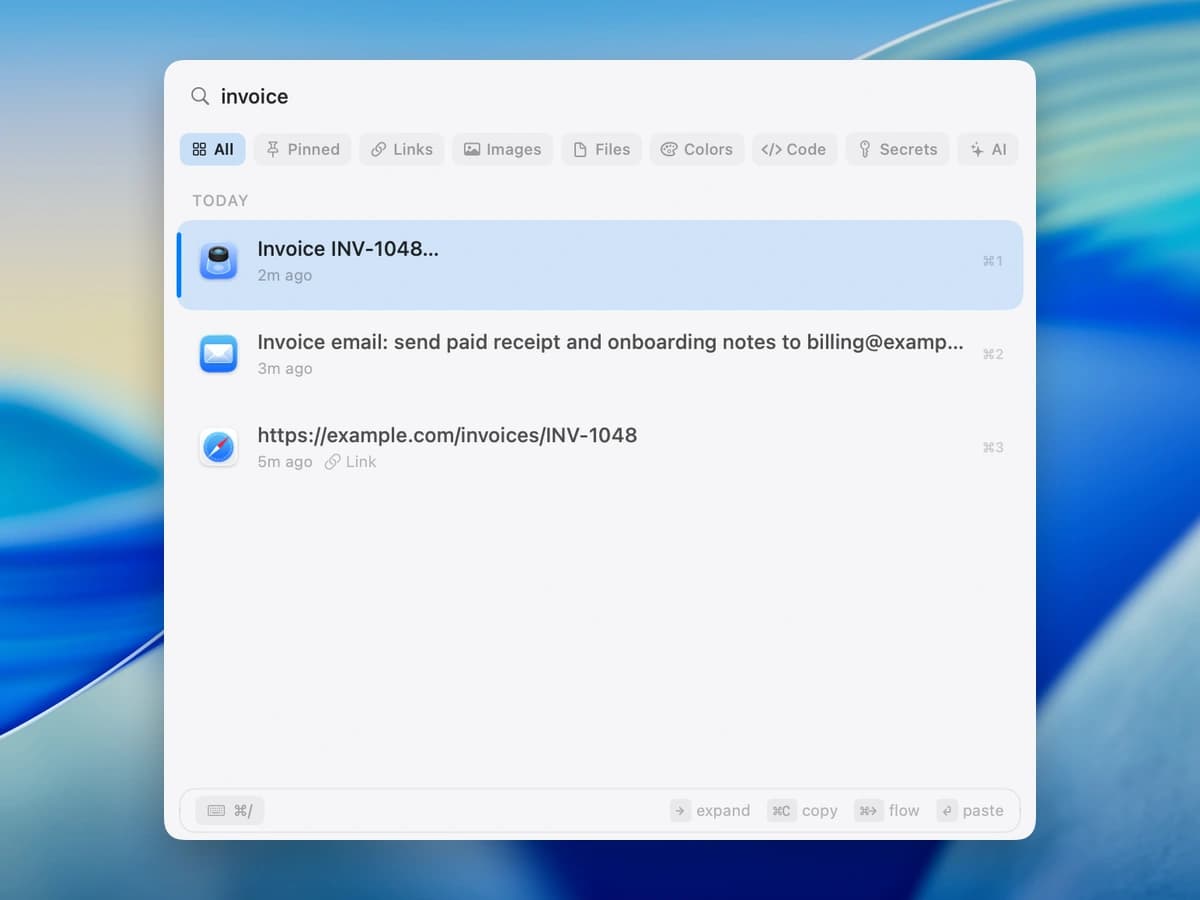
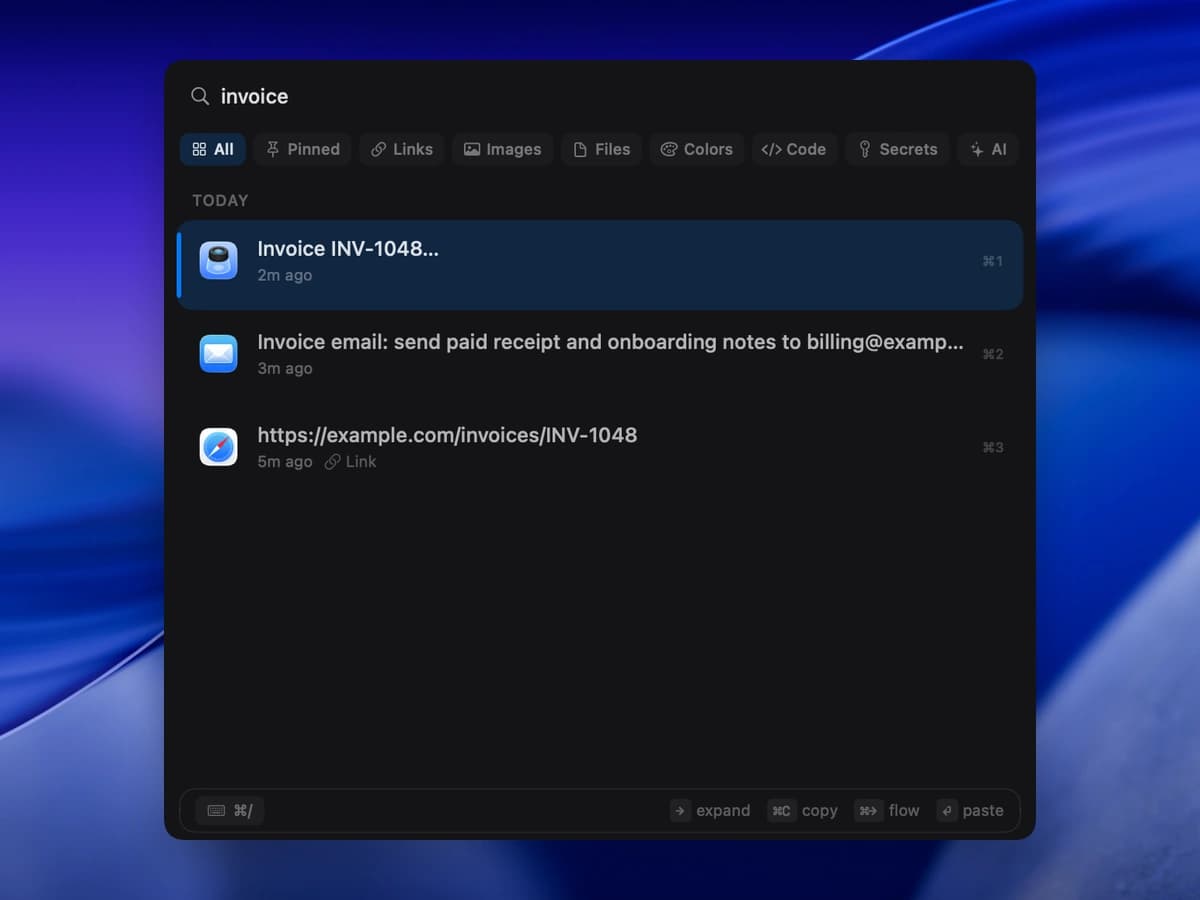
Find an earlier copy. Preview it, then press Return to paste.
How it works
NanoClip quietly remembers text, links, images, files, colors, and code.
Press Control–Command–V and type whatever you remember.
Press Return to paste the selected item into the app you were using.
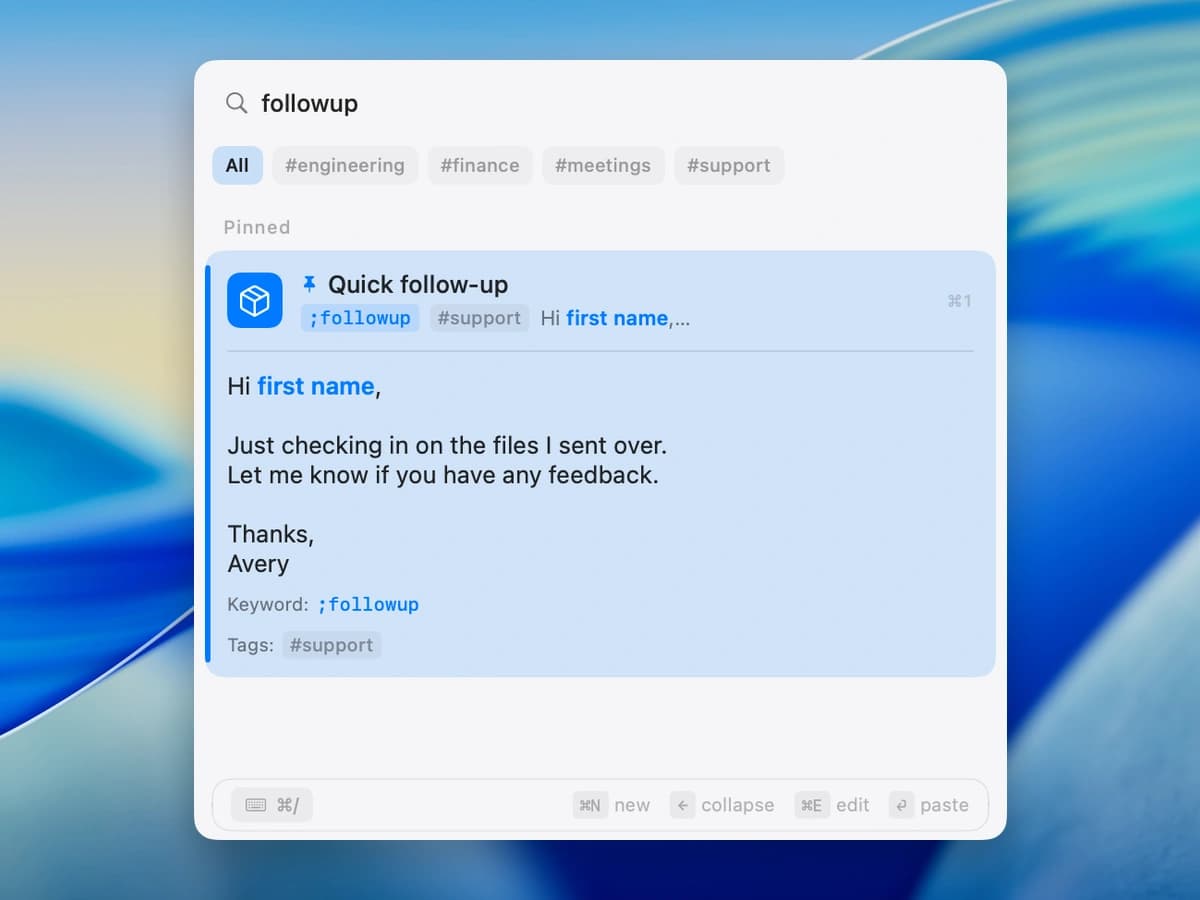
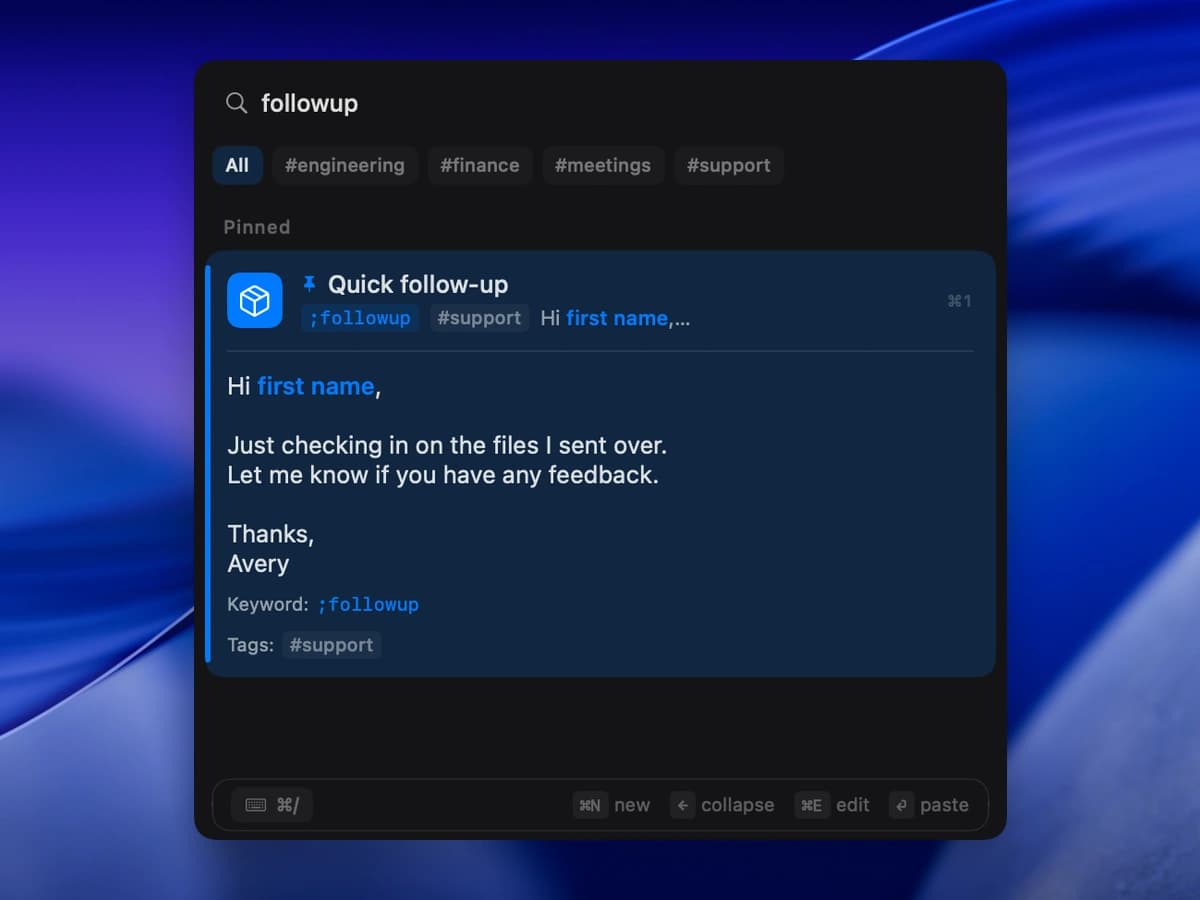
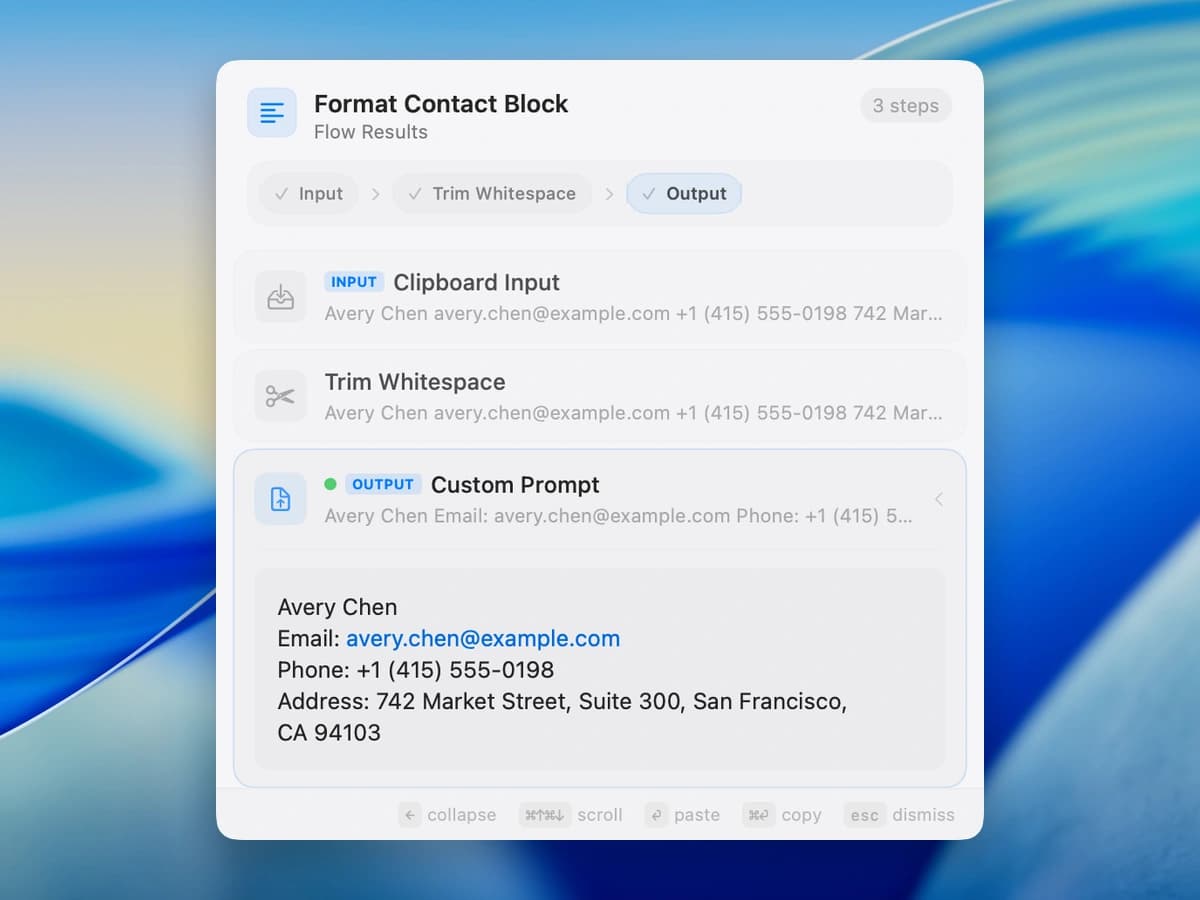
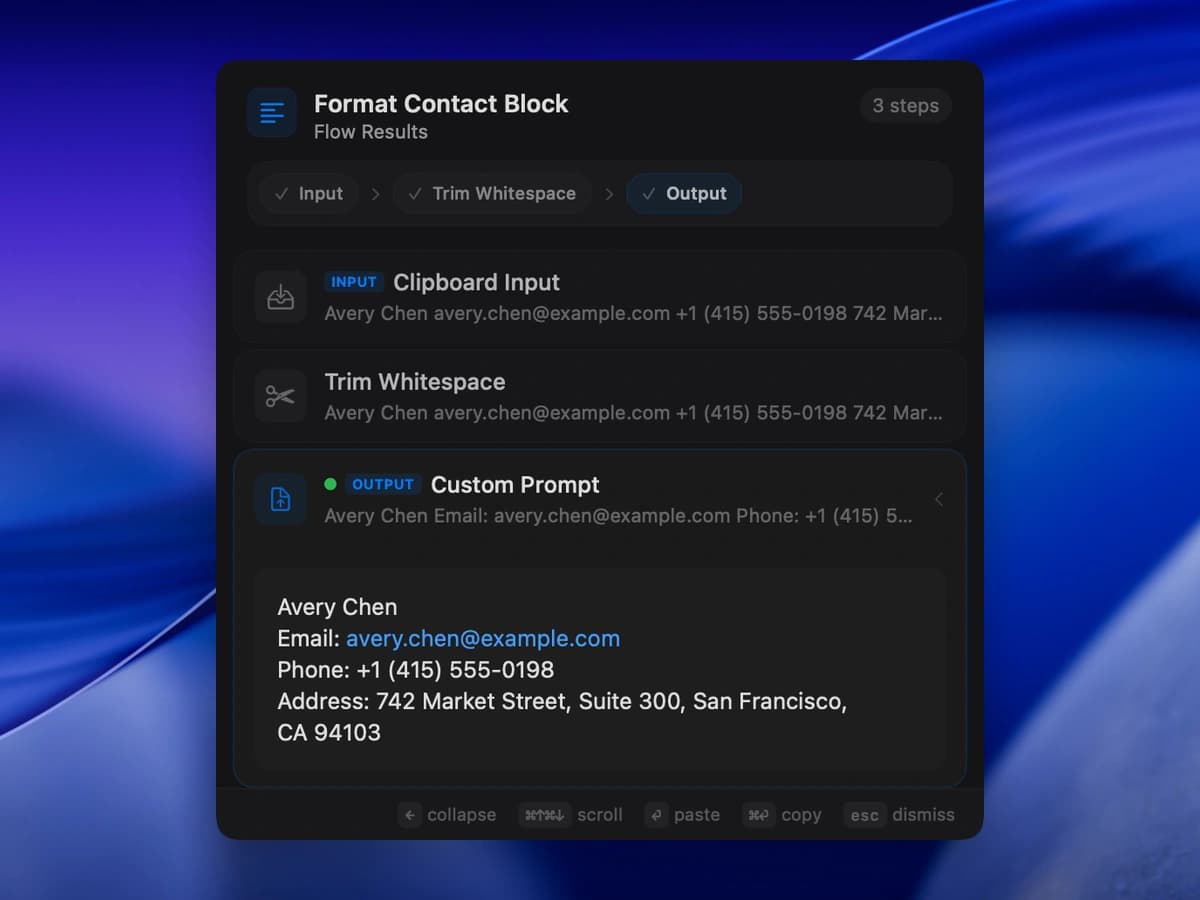
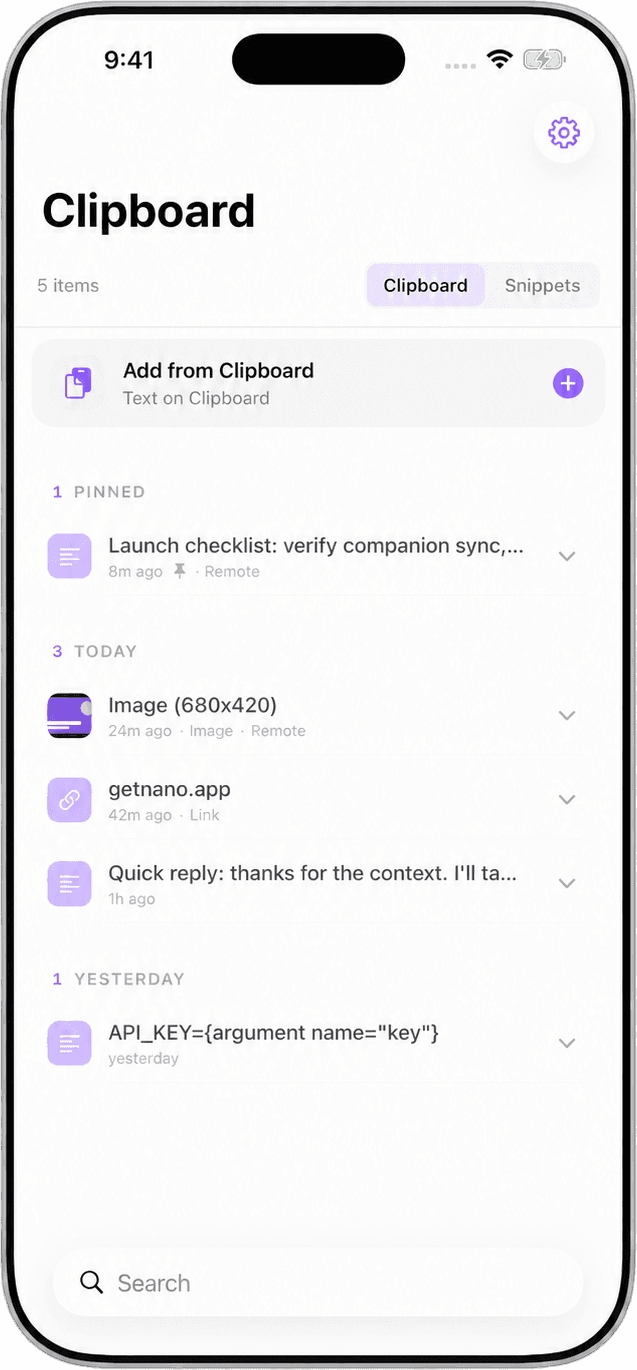
Now on iPhone & iPad
NanoClip stays Mac-first for keyboard work. The companion app keeps recent clips and snippets close on your iPhone and iPad through your private iCloud account.
Get NanoClip for iPhone & iPad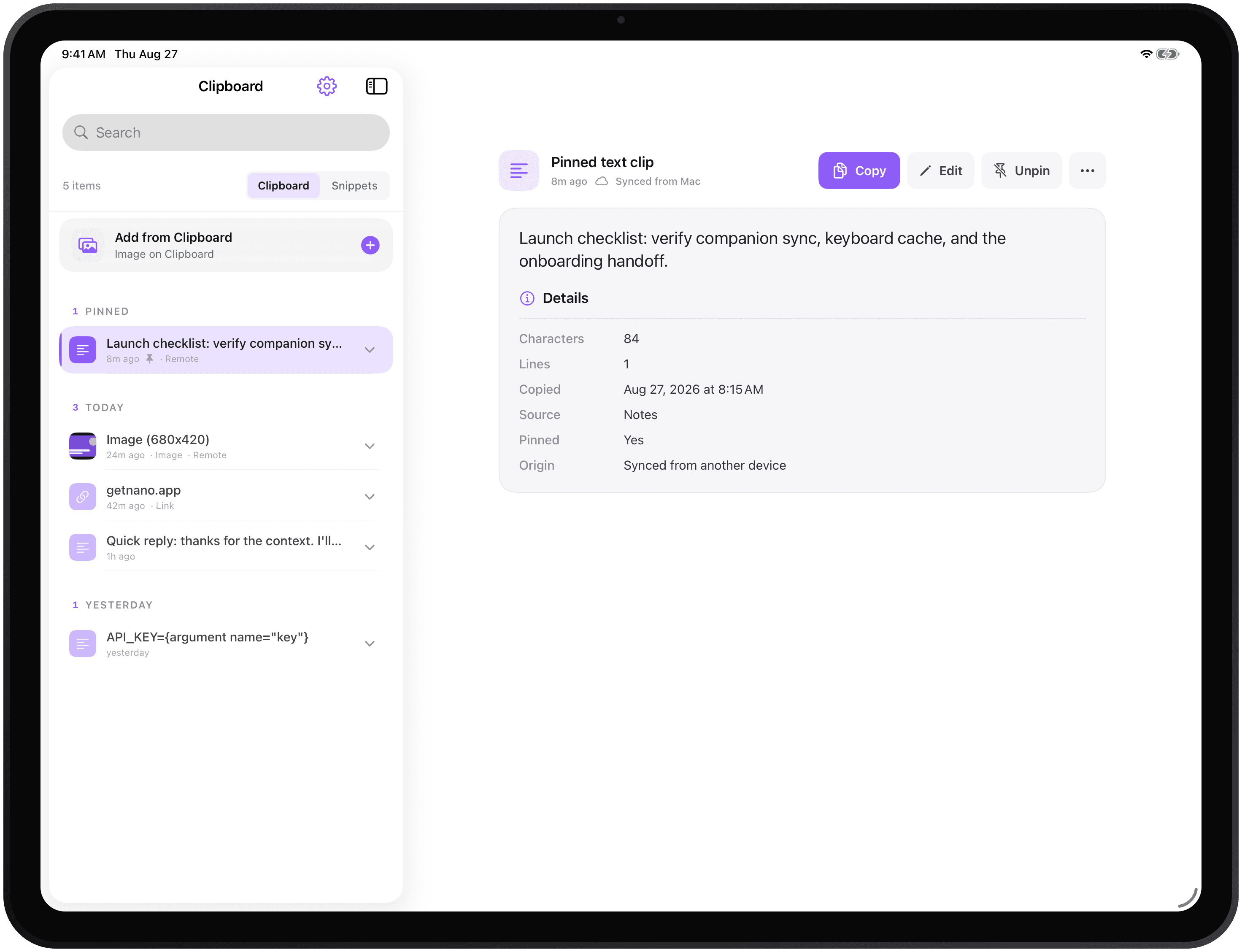
Made to stay out of your way
Local-first
Clipboard history is stored on your Mac by default.
Your iCloud
Keep recent clips and snippets close on your Mac, iPhone, and iPad.
More than text
Preview links, images, files, code, colors, and rich text.
Optional
Use local models or connect a provider only when a Flow needs it.
Choose with context
Pricing
Clipboard history and three snippets are free. Pro unlocks unlimited snippets, all Flows, sync, and more. No subscription or account needed.
Before you install
Yes. Free includes clipboard history with no paid item limit, three snippets, the emoji picker, and the default appearance. Your history retention settings still apply. Pro is an optional $9.99 one-time upgrade for unlimited snippets, all Flows, iCloud sync, paste queue, and more.
No. NanoClip Pro is a one-time $9.99 purchase. There are no annual fees, and the license includes future updates to the version you buy.
NanoClip does not send clipboard contents, snippets, Flow inputs, or pasted text to NanoApps or analytics providers. Product usage analytics can record limited feature events, never the content you copy. If you enable iCloud sync, Apple syncs recent clips and snippets through your iCloud account to the NanoClip companion app on iPhone and iPad. Read the privacy policy →
No. NanoClip does not require a NanoApps account. The Mac app and iPhone/iPad companion use the iCloud account already connected to your Apple devices when you enable sync.
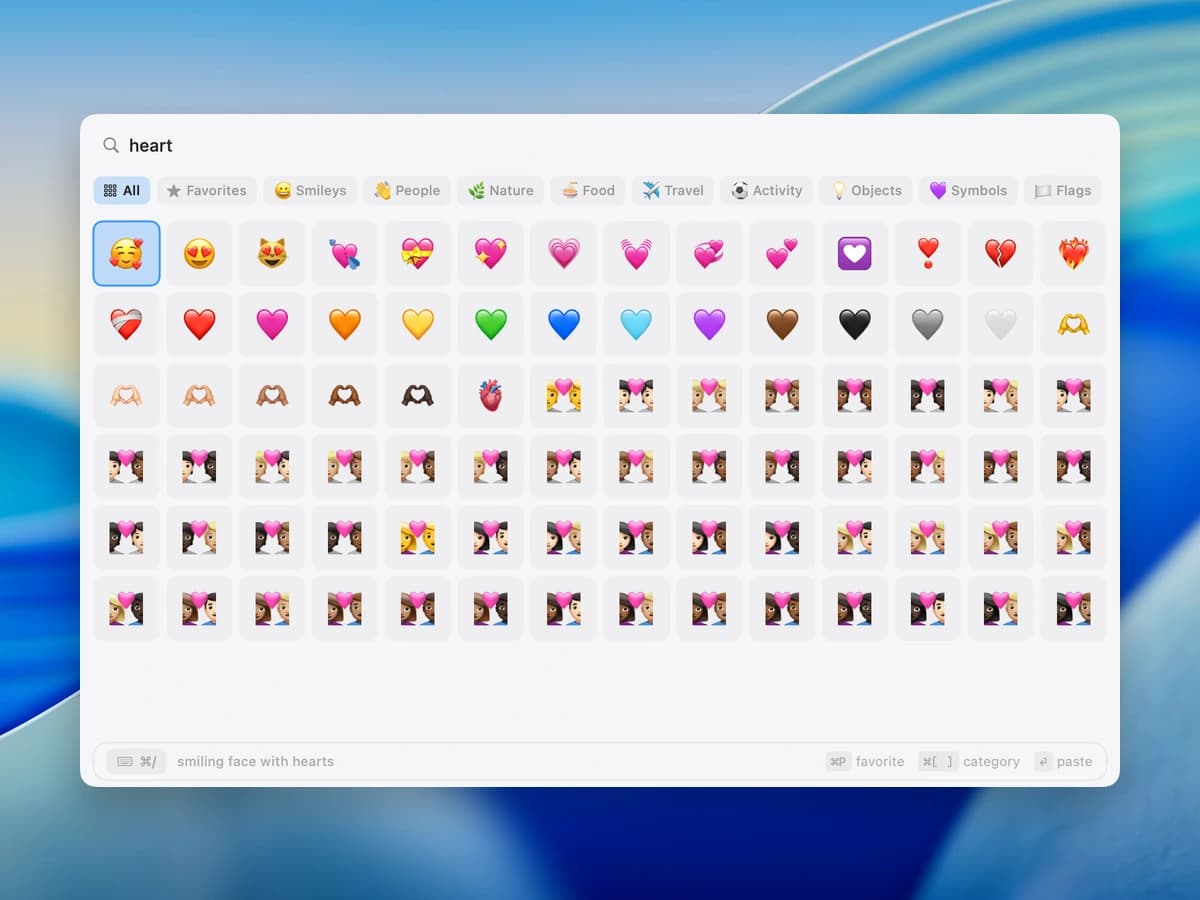
Clipboard history brings back something you copied. Snippets save text you expect to reuse. Flows change clipboard content before you paste it. The emoji picker finds and pastes emoji by name or category. Each tool has its own global shortcut, and all four live in the same menu bar app. Explore the emoji picker →
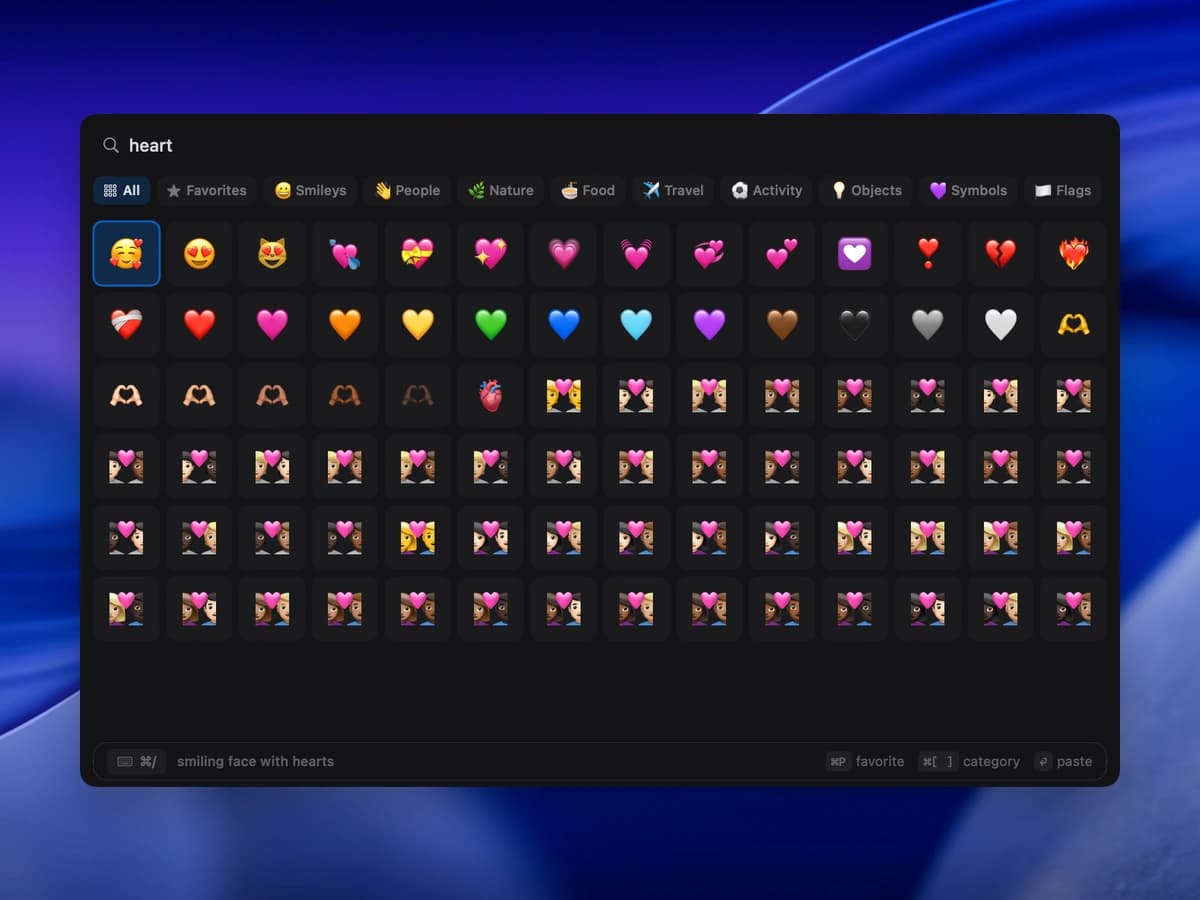
Yes. Press Control-Command-E by default to search or browse emoji, move through the grid by keyboard, save favorites, and paste into the focused app. The shortcut is customizable and the picker is included in the free download. See the Mac emoji picker →
Yes. NanoClip can ignore selected apps so their clipboard activity is not retained. It also supports content obfuscation when you want an item to remain available without exposing it in the picker.
Yes. NanoClip has an iPhone and iPad companion app for keeping recent clips and snippets close through private iCloud sync. Keyboard shortcuts, paste queue, and Flows remain Mac-first features.
NanoClip requires macOS 14 or later and runs natively on Apple Silicon and Intel Macs. It supports text, rich text, code, links, images, GIFs, files, and color values. You can install it directly or through the Mac App Store.
Ready when you copy
Keep your clipboard history searchable and save three snippets for free. Upgrade to Pro for unlimited snippets, Flows, and sync.
Have an idea for NanoClip? Request or vote on features.
Explore NanoClip
Practical guides for clipboard history, sequential paste, reusable text, device sync, pricing, and choosing the right Mac workflow.