
Save reusable text
Keep signatures, replies, prompts, addresses, links, and release notes ready for the next field.
Snippets
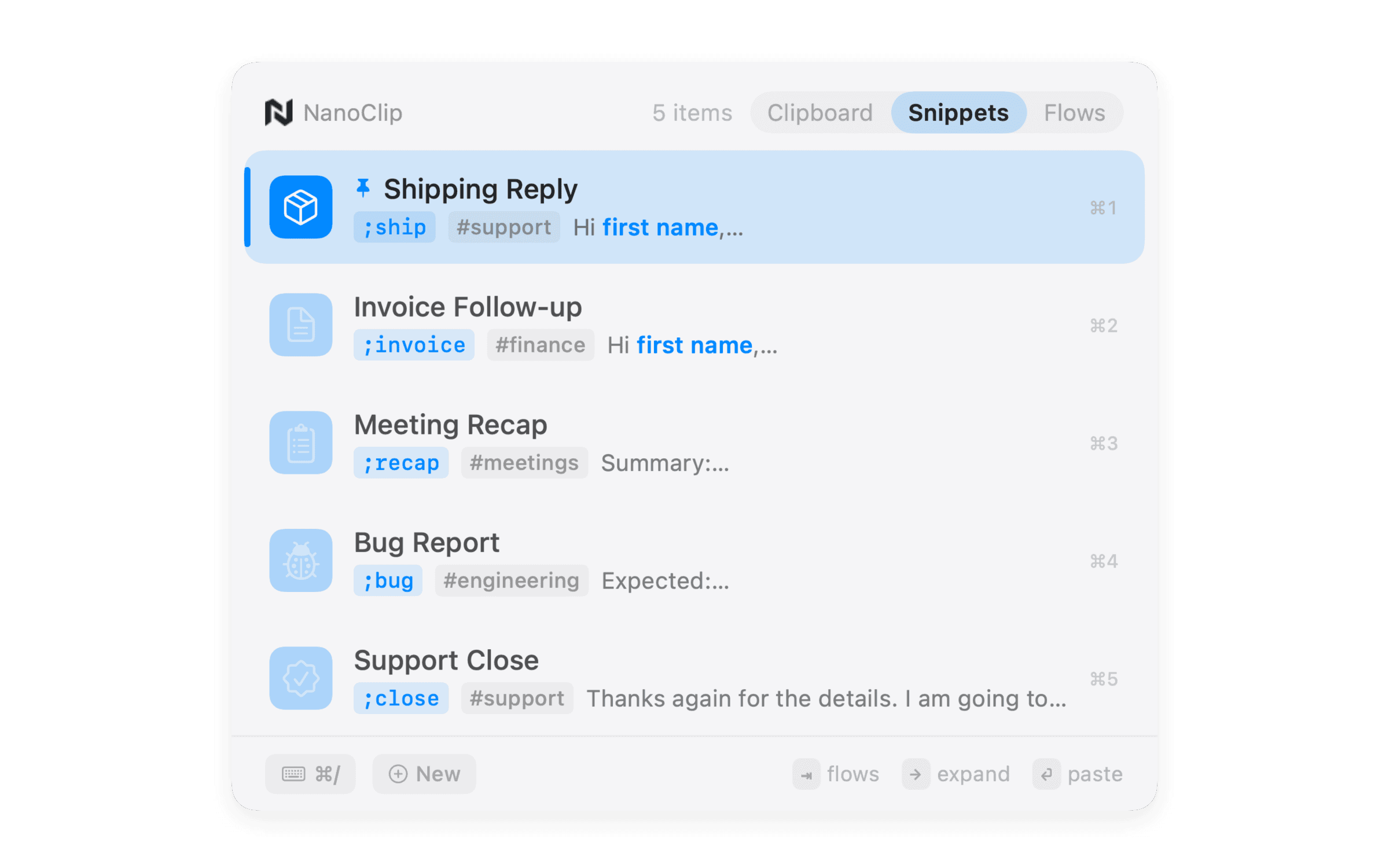
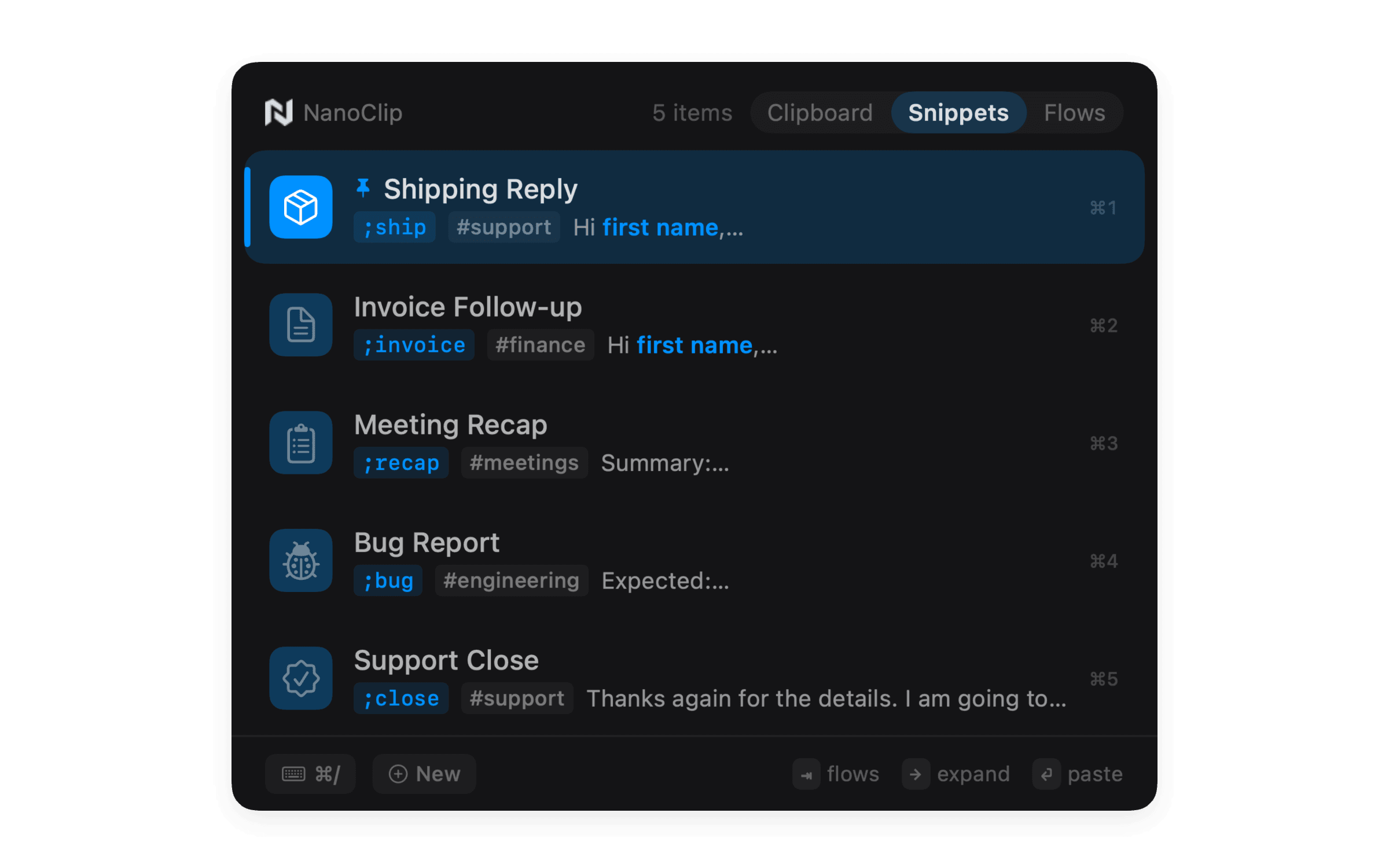
Reusable by design
Keep signatures, replies, prompts, addresses, links, and release notes ready for the next field.
Type a memorable trigger in any app or browse the same keyboard-first picker as clipboard history.
Insert dates, clipboard text, cursor placement, and values you fill before pasting.
Pull the value you just copied into a response or template without switching tools.
Drop the right date format into support replies, logs, launch notes, and recurring updates.
Use snippets for known text, then a Flow when copied input needs to be cleaned or transformed first.
One keyboard workflow
Snippets are most useful where copied text already lives. NanoClip keeps them in the same menu bar workflow as history and Flows.
Use a snippet when you know the exact text. Use a Flow when copied input needs to be cleaned, summarized, OCRed, rewritten, or sent to a provider first.
Ready when you copy
Start free. Keep the latest five copies close, create a few snippets, and see whether NanoClip belongs in your workflow.
Have an idea for NanoClip? Request or vote on features.
Explore NanoClip
Practical guides for clipboard history, sequential paste, reusable text, device sync, pricing, and choosing the right Mac workflow.