NanoClip

Your Mac clipboard should remember more than one thing.

macOS gives you a clipboard, but not a serious copy and paste history. NanoClip keeps previous copies searchable, previewable, reusable, and ready for the next field.
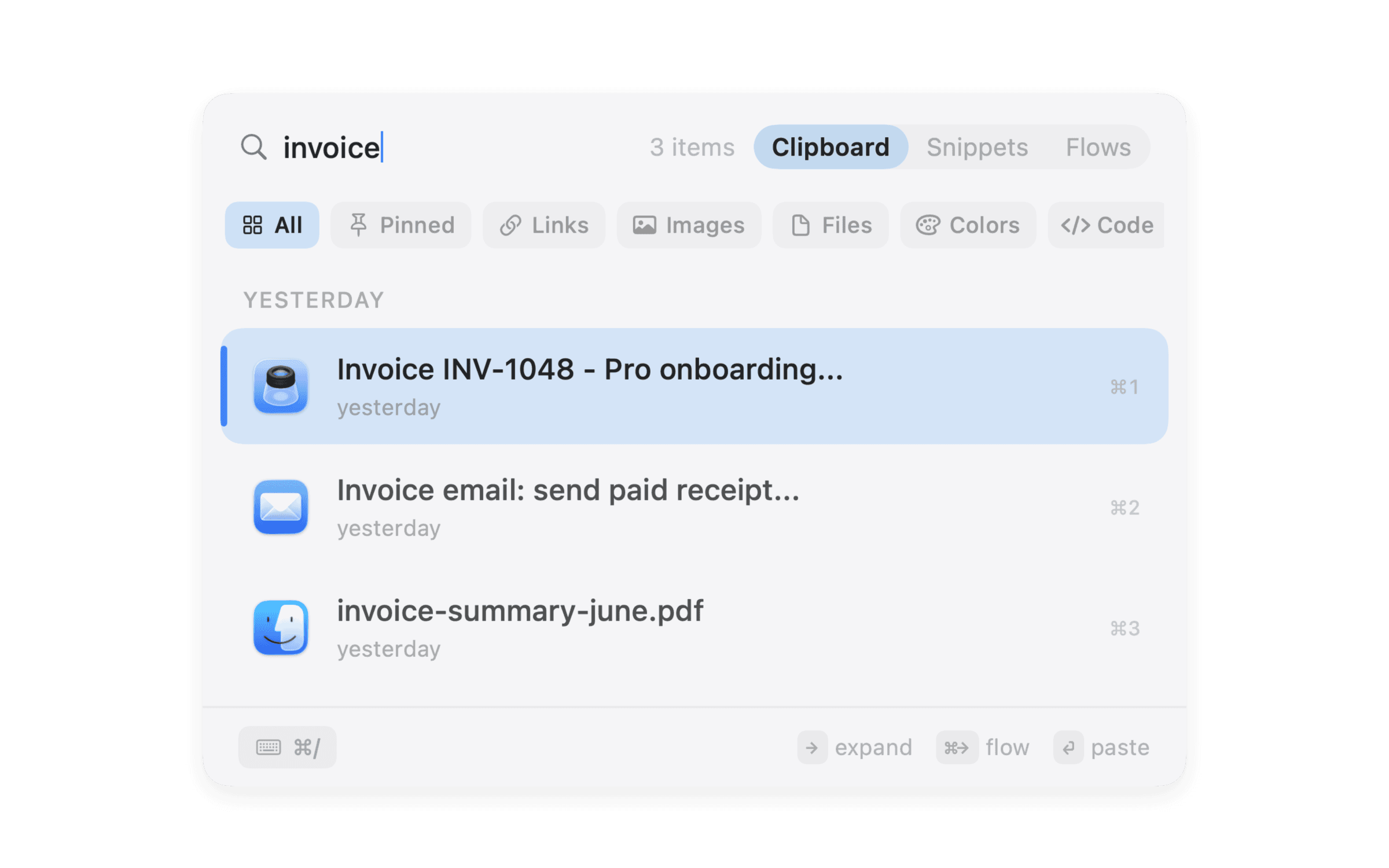
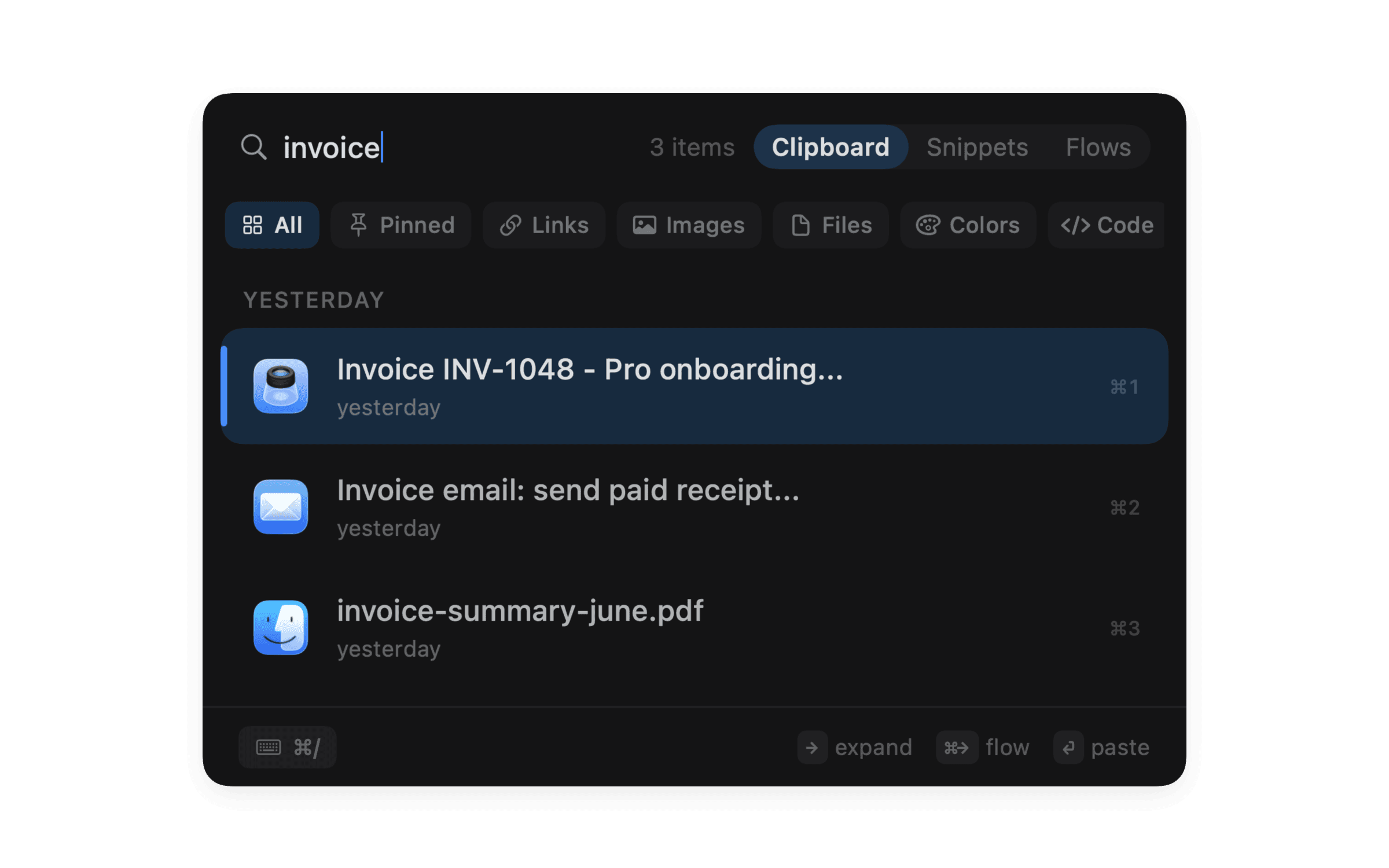
NanoClip clipboard history window with search, filters, previews, and item details

Copy history that stays searchable

Keep useful text, links, files, colors, images, code, and short scraps from disappearing after the next copy.

Search instead of re-copying

Find a previous copy by text, source, content type, or the thing you remember about it.

Rich previews for real work

Recognize links, images, files, colors, code, and secrets without pasting the wrong thing into the wrong app.

Paste queue for repeated fields

Copy several values once, then paste them back in order into forms, spreadsheets, CMS fields, or issue trackers.

Local-first storage

NanoClip is designed around your Mac first, with ignore rules and optional private iCloud sync between Macs.

Turn a copy into an action

Send a copied item into snippets or flows when it needs cleanup, OCR, rewriting, URL work, or AI help.

Where is the clipboard on a Mac?

The Mac clipboard is the temporary place where copied content waits before you paste it. By default, that usually means the latest item. If you copy something new, the previous value is gone.

A clipboard history app changes that workflow. NanoClip keeps a searchable timeline of useful copies, so you can recover the link, code block, address, image, or file you copied earlier without retracing your steps.

If you want a broader comparison, start with the best Mac clipboard manager guide. For the product details, see NanoClip clipboard history.

Frequently asked questions

Does macOS have clipboard history?

macOS keeps the current clipboard item, but it does not provide the kind of searchable long-term clipboard history, rich previews, paste queue, snippets, and workflow tools that a dedicated clipboard manager can provide.

How do I see copy and paste history on a Mac?

Use a dedicated clipboard history app. NanoClip opens from the menu bar or keyboard, then lets you search copied text, links, images, files, code, colors, and pinned items.

Is clipboard history safe on Mac?

It depends on the app and settings. Prefer local-first storage, ignore lists for password managers, and clear controls for sensitive content. Avoid storing secrets in any clipboard manager unless you understand the privacy model.

Small app.

Serious Mac workflows.

Download NanoClip for free and give every copy, snippet, and flow a faster path.

Free. Pro is $9.99 $5.00 with code EARLYBIRD.

Prefer Apple?Download on the Mac App Store

Have an idea for NanoClip? Request or vote on features.