
Search everything you copied
Find text, links, images, files, colors, code, and useful scraps without remembering where they came from.
Clipboard history
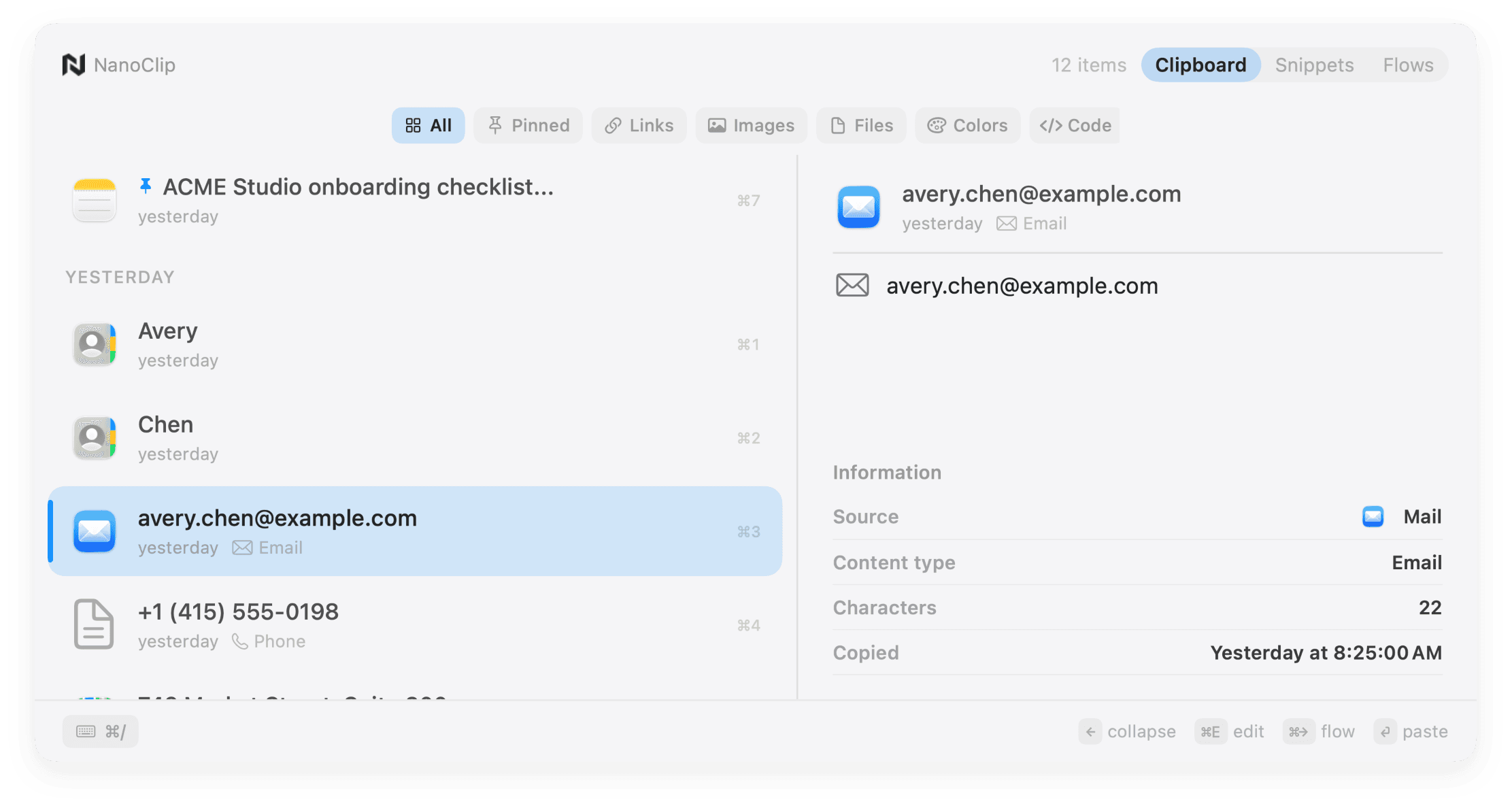
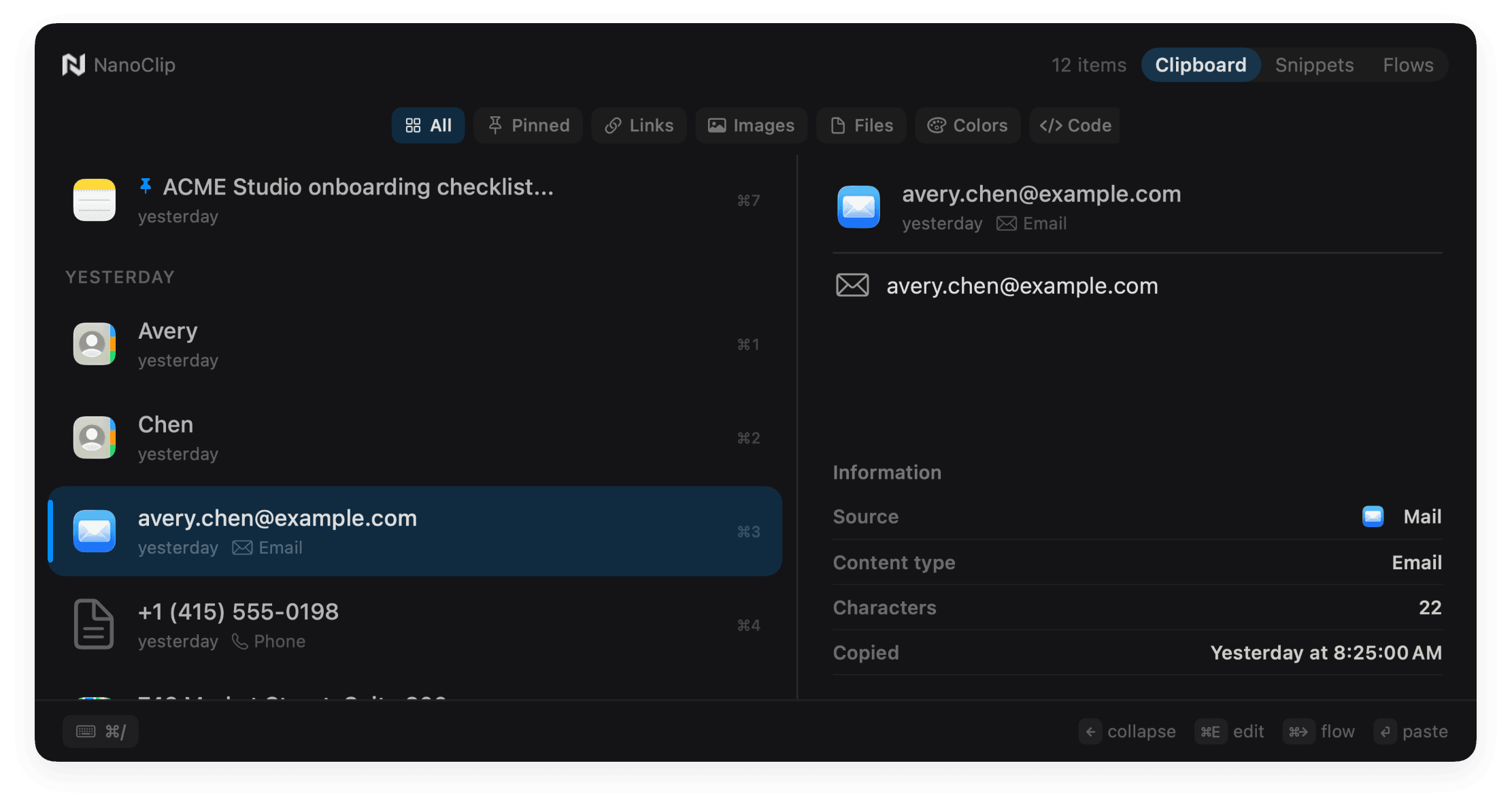
Clipboard, expanded
Find text, links, images, files, colors, code, and useful scraps without remembering where they came from.
Recognize the right item from its source, content type, dimensions, date, and rich preview.
Pin the things you reuse so they do not disappear beneath the rest of the day.
Queue names, links, identifiers, or notes once, then move through forms and trackers with one shortcut.
Keep recent clips and snippets close on your Mac, iPhone, and iPad without creating a NanoApps account.
Clipboard history lives on your Mac. Optional providers only receive content when a Flow explicitly uses them.
More than history
From any selected item, you can expand it, pin it, queue it, send it through a Flow, or paste it immediately.
That is why history lives beside snippets and Flows. NanoClip does not only store old copies; it helps you use them.
Ready when you copy
Start free. Keep the latest five copies close, create a few snippets, and see whether NanoClip belongs in your workflow.
Have an idea for NanoClip? Request or vote on features.
Explore NanoClip
Practical guides for clipboard history, sequential paste, reusable text, device sync, pricing, and choosing the right Mac workflow.