
Reusable text snippets
Save replies, signatures, prompts, addresses, release notes, and message templates.
Text expansion
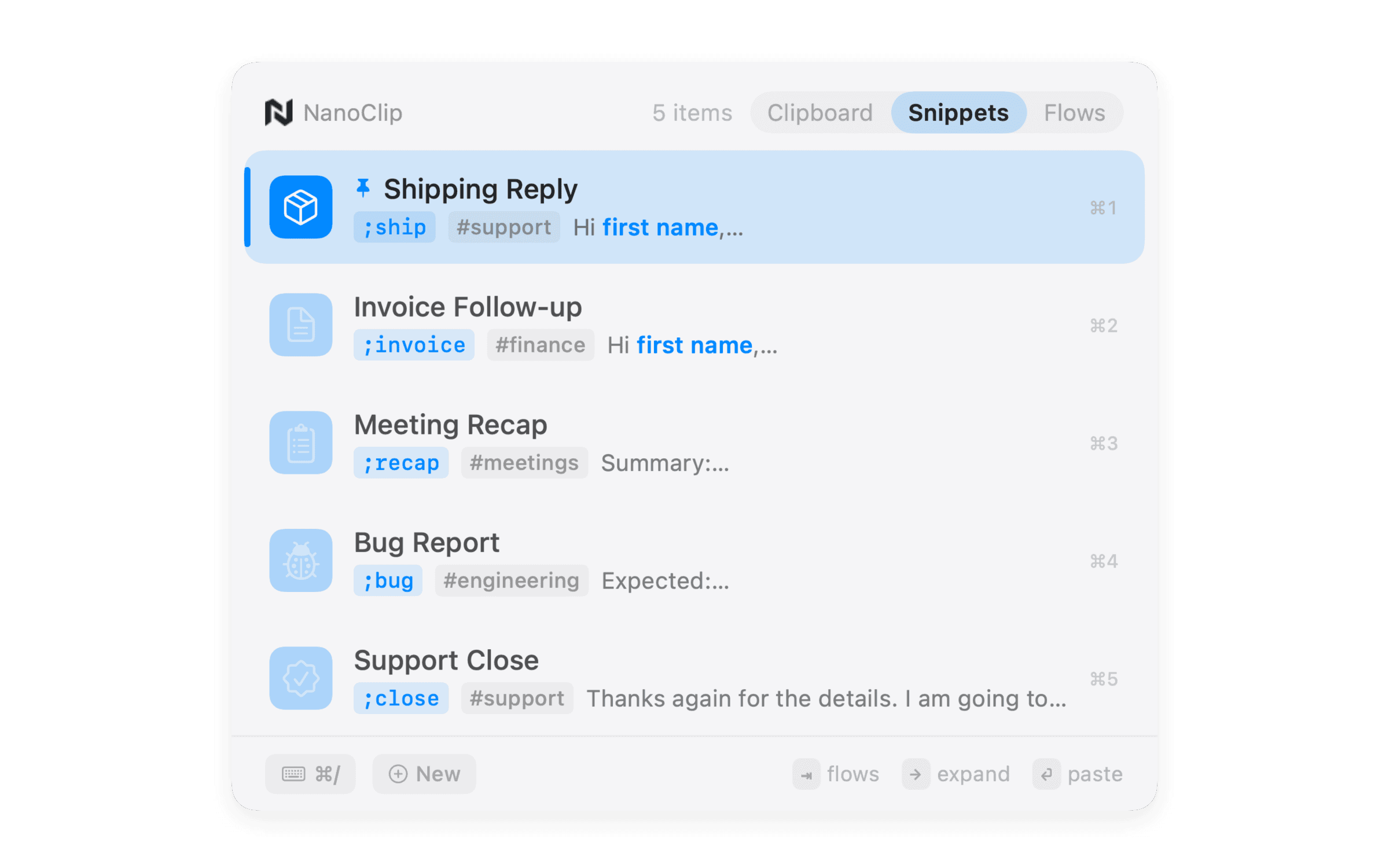
Text expansion
Save replies, signatures, prompts, addresses, release notes, and message templates.
Expand short triggers from the keyboard or browse the snippet picker.
Use dates, cursor placement, clipboard values, and fill-in fields.
Keep known text next to the copied input you are already using.
When NanoClip fits
Dedicated text expansion apps fit teams with elaborate shared libraries. NanoClip fits individuals who also need clipboard history, paste queue, rich previews, and small transformations.
Explore the complete NanoClip snippets feature page.
Practical questions
It can replace many individual workflows: signatures, canned replies, prompts, dates, and clipboard-aware templates.
Yes. Snippets can include dates, clipboard content, cursor placement, and fields completed before pasting.
Use a snippet for known reusable text. Use a Flow when copied input must be transformed first.
Ready when you copy
Start free. Keep the latest five copies close, create a few snippets, and see whether NanoClip belongs in your workflow.
Have an idea for NanoClip? Request or vote on features.
Explore NanoClip
Practical guides for clipboard history, sequential paste, reusable text, device sync, pricing, and choosing the right Mac workflow.