
Open it from anywhere
Press Control-Command-E by default, or record a shortcut that fits your keyboard, to open the emoji picker over the app you are using.
Emoji picker for Mac
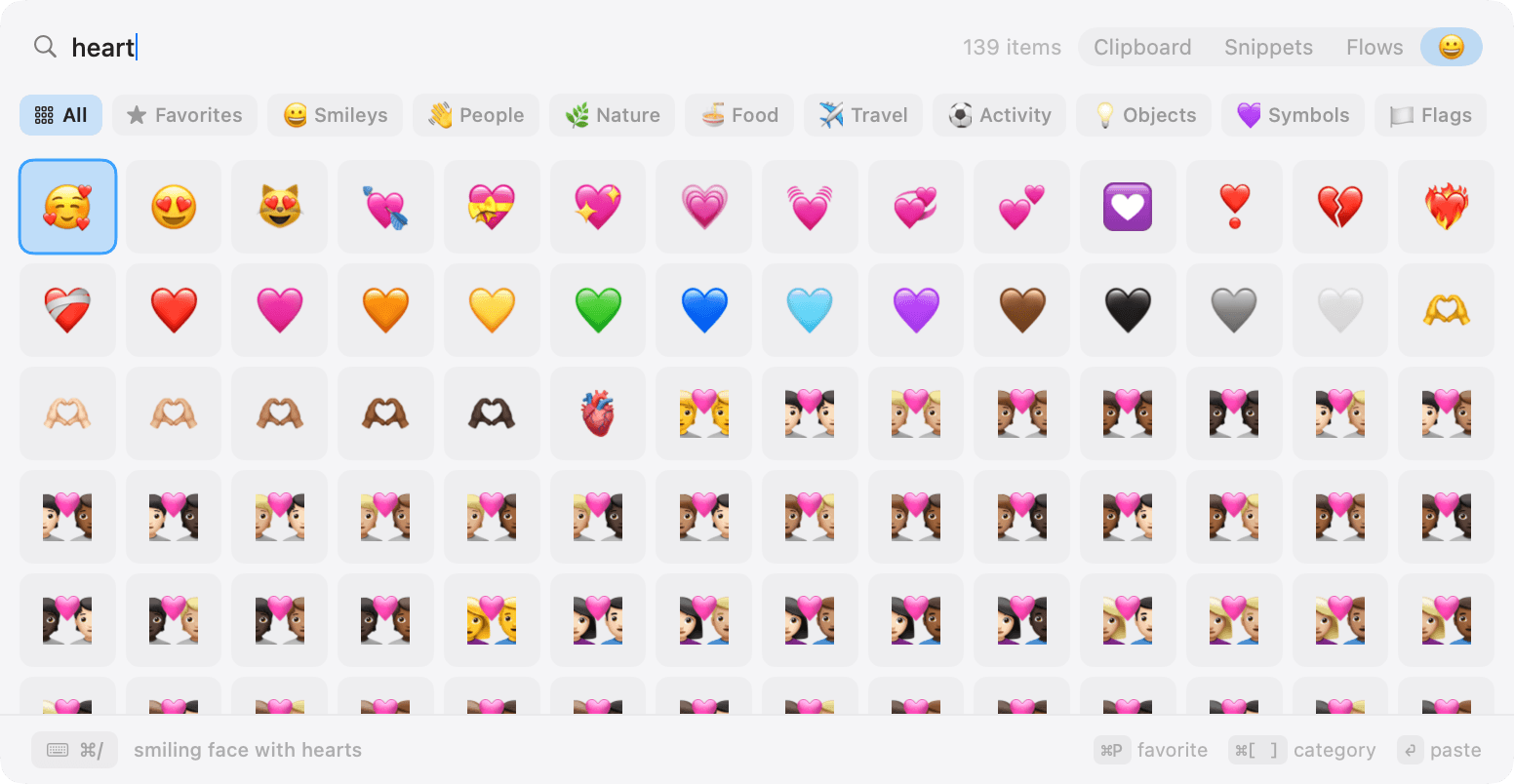
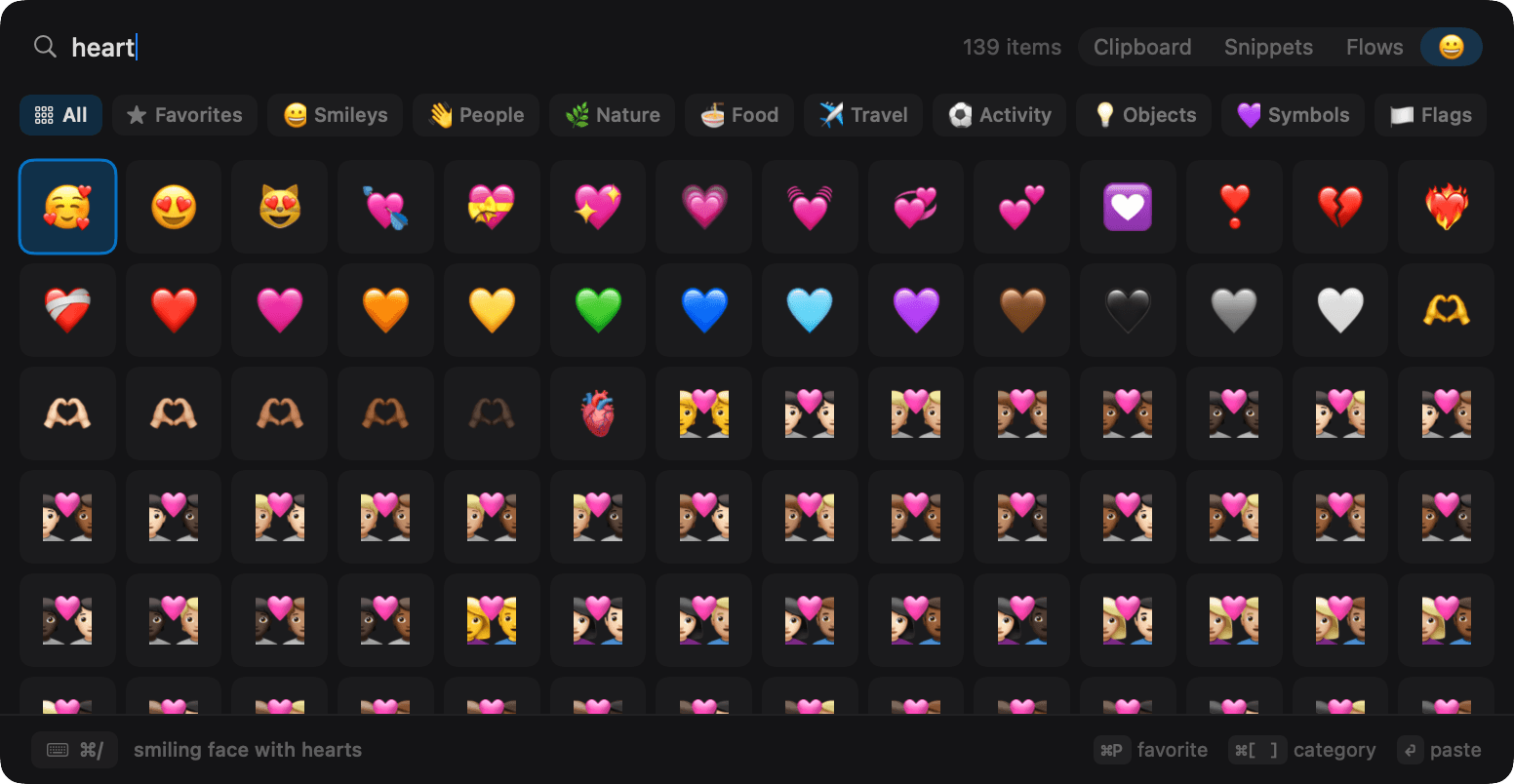
Keyboard-first emoji
Press Control-Command-E by default, or record a shortcut that fits your keyboard, to open the emoji picker over the app you are using.
Type words such as heart, fox, fire, or celebration and narrow the complete emoji catalog without scanning every row.
Move through the grid with the arrow keys, switch categories from the keyboard, and press Return to paste the selected emoji.
Mark the emoji you reuse and NanoClip keeps favorites ahead of the rest of the catalog.
Frequently used emoji appear in their own category after you begin pasting them.
Jump through smileys, people, nature, food, travel, activities, objects, symbols, and flags when a visual scan is easier than a search.
Built-in versus NanoClip
Apple's Character Viewer is built into macOS and remains the right choice when you also need accented characters, mathematical symbols, or the wider character library. You can usually open it with Control-Command-Space or a configured Globe/Fn key.
NanoClip is the focused alternative for people who pick emoji often and already use a keyboard utility for clipboard history and reusable text. It gives emoji a dedicated, customizable shortcut, searchable names, favorites, recent items, arrow-key navigation, and direct paste.
The picker is included in the free NanoClip download. See the clipboard history features that live beside it.
Emoji picker questions
macOS includes the Character Viewer, usually opened with Control-Command-Space or the configured Globe/Fn key. NanoClip adds a separate keyboard-first emoji picker that opens with Control-Command-E by default.
Yes. The default is Control-Command-E, and you can record a different global shortcut in NanoClip settings.
Yes. Start typing after the NanoClip picker opens to filter emoji by their Unicode name and category.
NanoClip pastes the selected emoji into the currently focused app using macOS Accessibility permission, like its clipboard and snippet pickers.
Yes. The emoji picker is included in the free NanoClip download.
Ready when you copy
Keep your clipboard history searchable and save three snippets for free. Upgrade to Pro for unlimited snippets, Flows, and sync.
Have an idea for NanoClip? Request or vote on features.
Explore NanoClip
Practical guides for clipboard history, sequential paste, reusable text, device sync, pricing, and choosing the right Mac workflow.