Clipboard automation · Pro
Build small steps.Run them as one.
Clean a URL, OCR a screenshot, rewrite a message, generate or edit an image, fetch page text, or make a QR code.
01 / Try it live
Pick a Flow.Watch each step.
These browser demos use the same block model as NanoClip. AI steps return sample output so the sequence stays instant.
Strips tracking params and returns a tidy shareable link.
- idle
Strip Tracking Params
Removes utm_*, ref, fbclid, gclid…
- idle
Trim Whitespace
02 / Three ways in
Run itfrom where you are.
Start from selected clipboard content, open the Flow picker directly, or provide fresh text or a file.
Send a copied item to Flows
Open Clipboard, select an item, press ⌘→, choose a compatible flow, then press Return.
Flows
Start with the flow
Press ⌃⌘F, choose a flow, then press Return. NanoClip asks for a compatible clipboard item when the flow needs one.
Input panel
Type text or choose a file
In the Flows tab, press ⌘↵. Text and URL flows open an input panel; image and file flows open a file picker.
03 / Flow anatomy
Outputs becomeinputs.
Each block declares what it accepts and emits, so NanoClip only suggests steps that fit next.
Anatomy of a flow
Each block declares the type it accepts and the type it emits. As long as the outputs line up with the next block's inputs, the flow is valid.
04 / Block library
34 blocks.Four categories.
Text, image, URL, and AI blocks snap together by type.
- Uppercase
- Lowercase
- Capitalize Words
- Trim Whitespace
- Strip Formatting
- Correct Spelling (English)
- Find & Replace
- Sort Lines
- Dedupe Lines
- JSON Pretty-print
- Date Format
- Regex Extract Matches
- URL Encode
- URL Decode
- Run Bash CommandDirect download
- Convert Format (PNG / JPEG / GIF)
- Resize
- Compress
- Rotate Image
- Image → Text (OCR)
- Strip Tracking Params
- Fetch Web Page Title
- Extract Web Page Text (Basic)
- Download Page Images
- QR Code
- Summarize
- Extract Key Points
- Rewrite (with tone)
- Translate
- Custom Prompt
- Generate ImagePro
- Edit Image with PromptPro
- Enhance / Upscale ImagePro
- Describe Image
Custom Prompt
Text AI and image AI live in the same flow graph.
Write your own text instruction, generate an image from a prompt, edit a screenshot, upscale an asset, or describe a photo for alt text and summaries. The output keeps flowing into the next compatible block.
Custom Prompt can also use Ask on Run parameters, so one flow can ask for a tone, language, field name, or rule right before it runs.
05 / Starter Flows
Steal these.Then remix them.
Every starter Flow is included with Pro. Run one as it is, or edit the steps to make it your own.
Rough message → polished reply
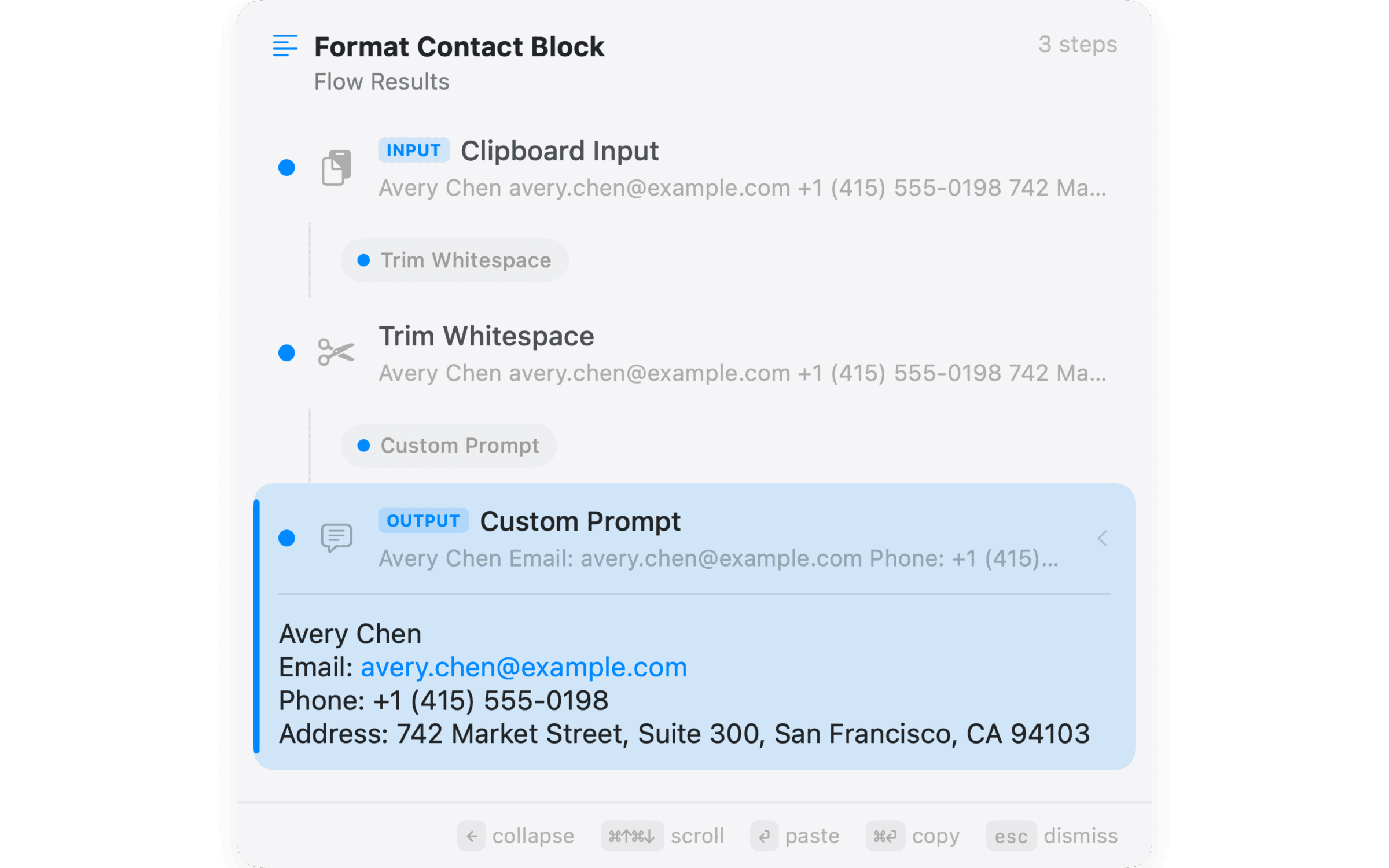
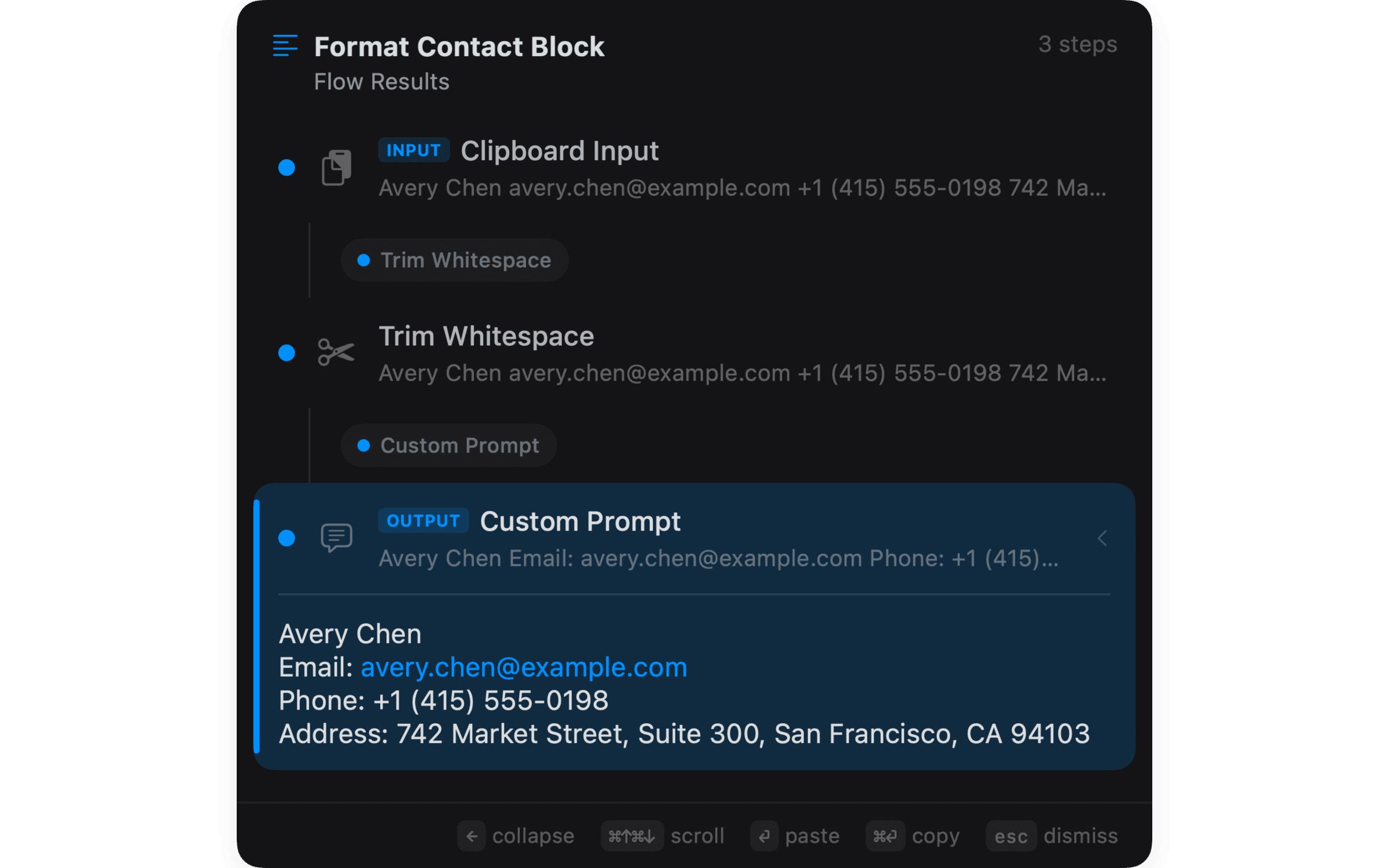
Contact block → CRM fields
Messy URL → clean QR code
Long email → 3-bullet TL;DR
Pasted code → tidy snippet
Anything → translated
Article URL → 3-sentence TL;DR
Screenshot → smaller, paste-ready
Product idea → shareable visual
Blurry image → larger asset
Screenshot → alt text
06 / AI providers
Pick whereeach block runs.
Choose local options when privacy matters or a supported cloud provider when a Flow needs it.
Local
Private. No key needed.
- Apple Intelligence
- Ollama (any local model)
Nothing leaves your Mac. Apple Intelligence runs on-device on Apple Silicon. Ollama runs local models you've pulled, including vision models for image descriptions.
Cloud
Bring your own key.
- OpenAI
- Anthropic
- Gemini
- Replicate
Your keys, your costs, your data terms with each provider. NanoClip never proxies your prompts — calls go straight from your Mac to the provider. Replicate powers supported image edit and upscaling flows.
Ready when you copy
Your next copy is worth keeping.Try NanoClip free.
Keep your clipboard history searchable and save three snippets for free. Upgrade to Pro for unlimited snippets, Flows, and sync.

Have an idea for NanoClip? Request or vote on features.
Explore NanoClip
Practical guides for clipboard history, sequential paste, reusable text, device sync, pricing, and choosing the right Mac workflow.