01
Whisper on your Mac
Lifetime adds local WhisperKit transcription for higher-quality on-device speech recognition.
Local Whisper dictation
Start with Apple Speech and unlock local WhisperKit in Lifetime—without a hosted NanoApps speech API or cloud transcription account.
Free with Apple Speech. Lifetime is $4.99 once and adds local Whisper, Meeting Mode, templates, and unlimited history.
What the workflow includes
Lifetime adds local WhisperKit transcription for higher-quality on-device speech recognition.
Start with Apple's built-in recognition before deciding whether local Whisper is useful for your voice and work.
NanoVoice does not send your audio to a NanoApps transcription server.
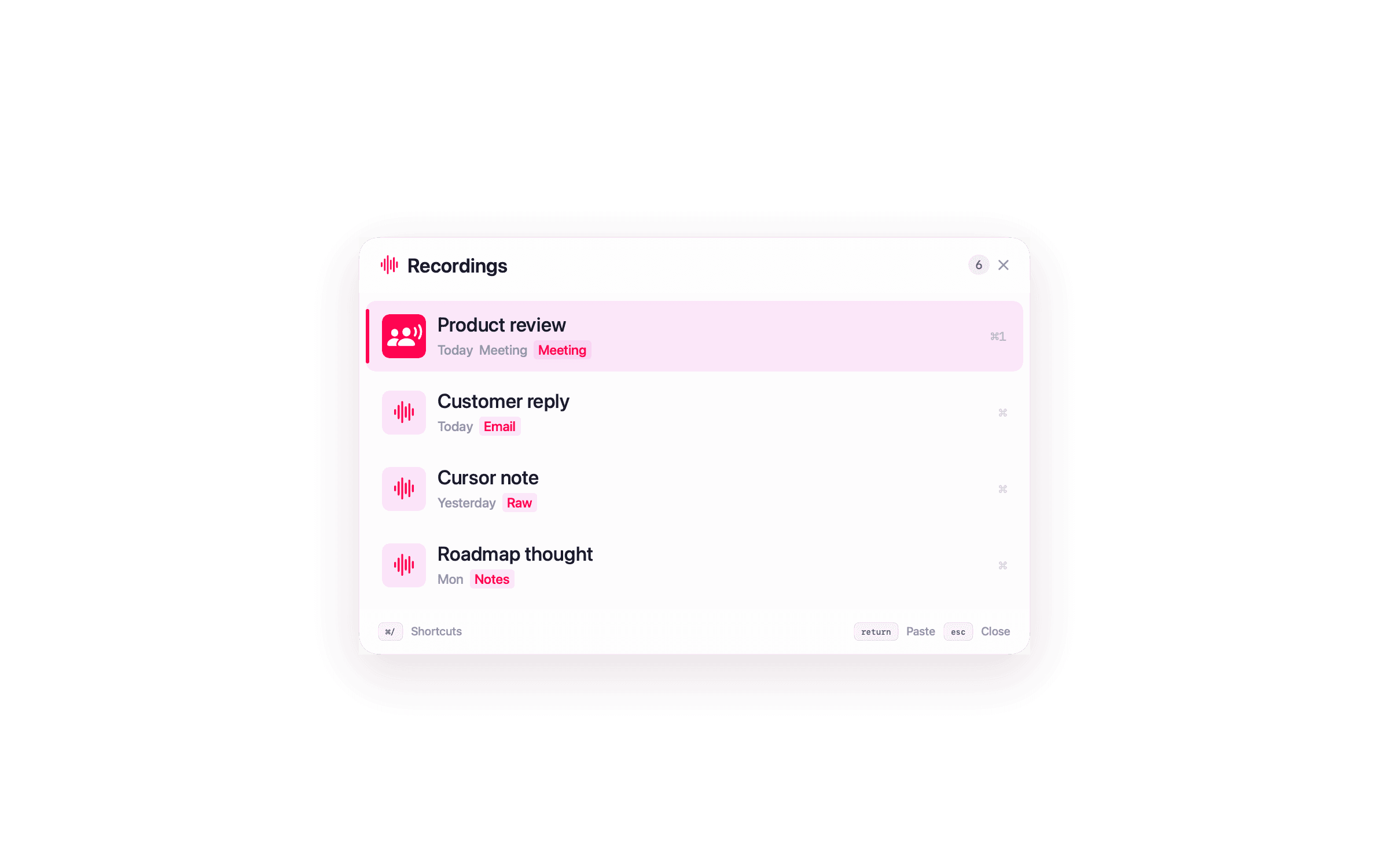
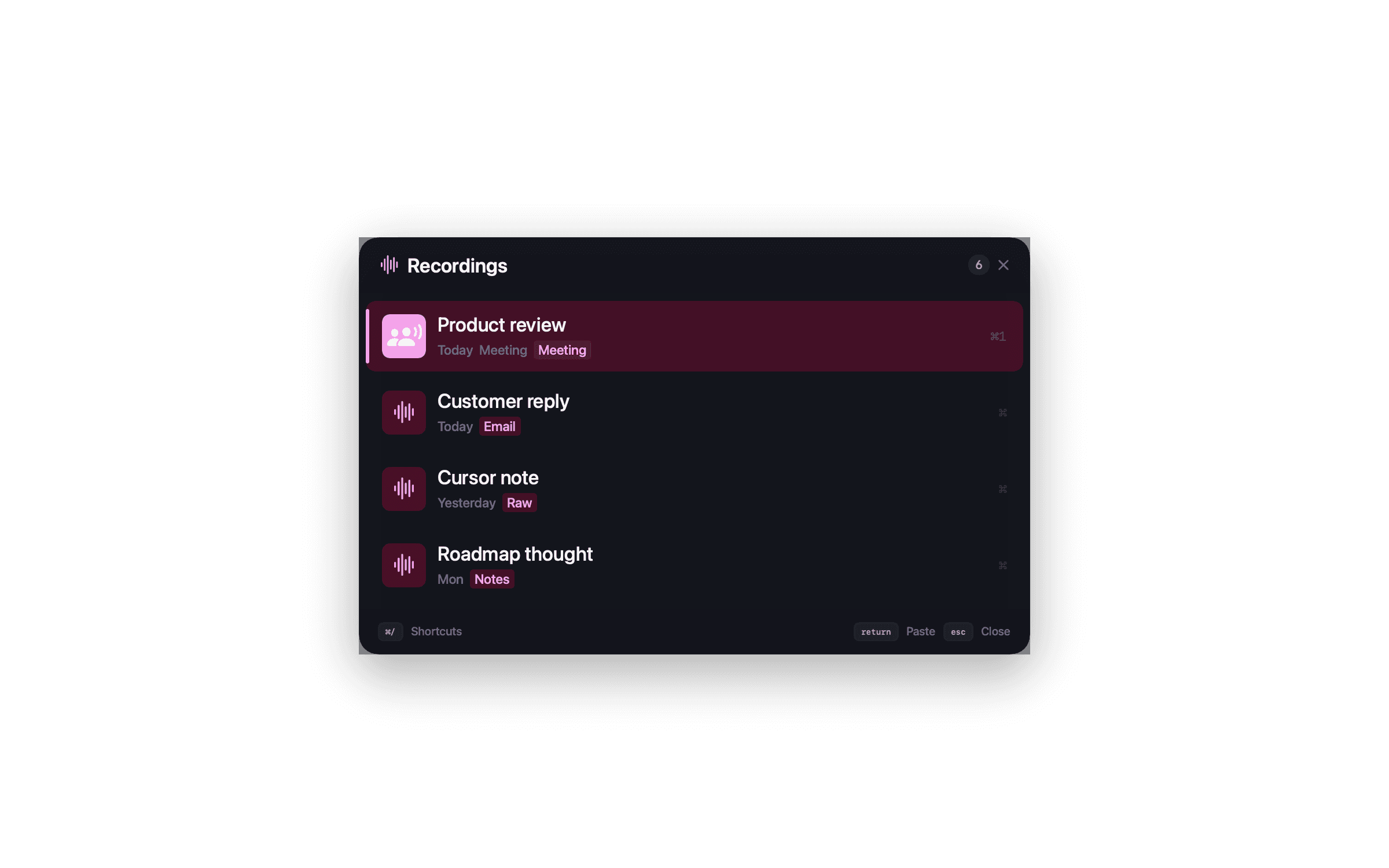
Dictations and meeting transcripts are saved on your Mac for fast keyboard recall.
If you use cloud formatting, keys live in Keychain and requests go directly to your chosen provider.
Download NanoVoice, grant macOS permissions, and dictate without creating a NanoApps account.
Privacy
Local transcription matters, but the surrounding workflow does too. NanoVoice stores recordings locally and makes cloud text enhancement optional instead of mandatory.
Compare the tradeoffs in NanoVoice vs superwhisper and NanoVoice vs Wispr Flow.
Questions about this workflow
Yes. NanoVoice Lifetime adds optional local Whisper transcription through WhisperKit. The free tier uses Apple's on-device speech recognition.
It depends on your voice, microphone, language, and environment. Apple Speech is quick to start; Whisper can be more accurate for many longer or noisier recordings.
Yes, if you want a smaller Mac-only app with a free Apple Speech tier, one-time pricing, Meeting Mode, and a keyboard-first menu bar workflow.
Ready when you speak
Start free with Apple Speech. Press ⌃⌘W, speak naturally, and see whether NanoVoice belongs in your workflow. Lifetime adds local models, private meeting notes, and more ways to shape what you said.
Free with Apple Speech. Lifetime is $4.99 once and adds local Whisper, Meeting Mode, templates, and unlimited history.
Developer ID signed · Not on the Mac App Store
Have an idea for NanoVoice? Request or vote on features.
Keep comparing
Practical guides for privacy, price, meetings, and choosing the right Mac dictation workflow.