01
Free to download
Use NanoVoice with Apple Speech before deciding whether Lifetime features are worth it.
Free dictation app
Start free with Apple Speech and the same shortcut-to-paste workflow. Upgrade only if local models, templates, and Meeting Mode help your work.
Free with Apple Speech. Lifetime is $4.99 once and adds local Whisper, Meeting Mode, templates, and unlimited history.
What the workflow includes
Use NanoVoice with Apple Speech before deciding whether Lifetime features are worth it.
The free tier uses Apple's on-device speech recognition for everyday voice-to-text capture.
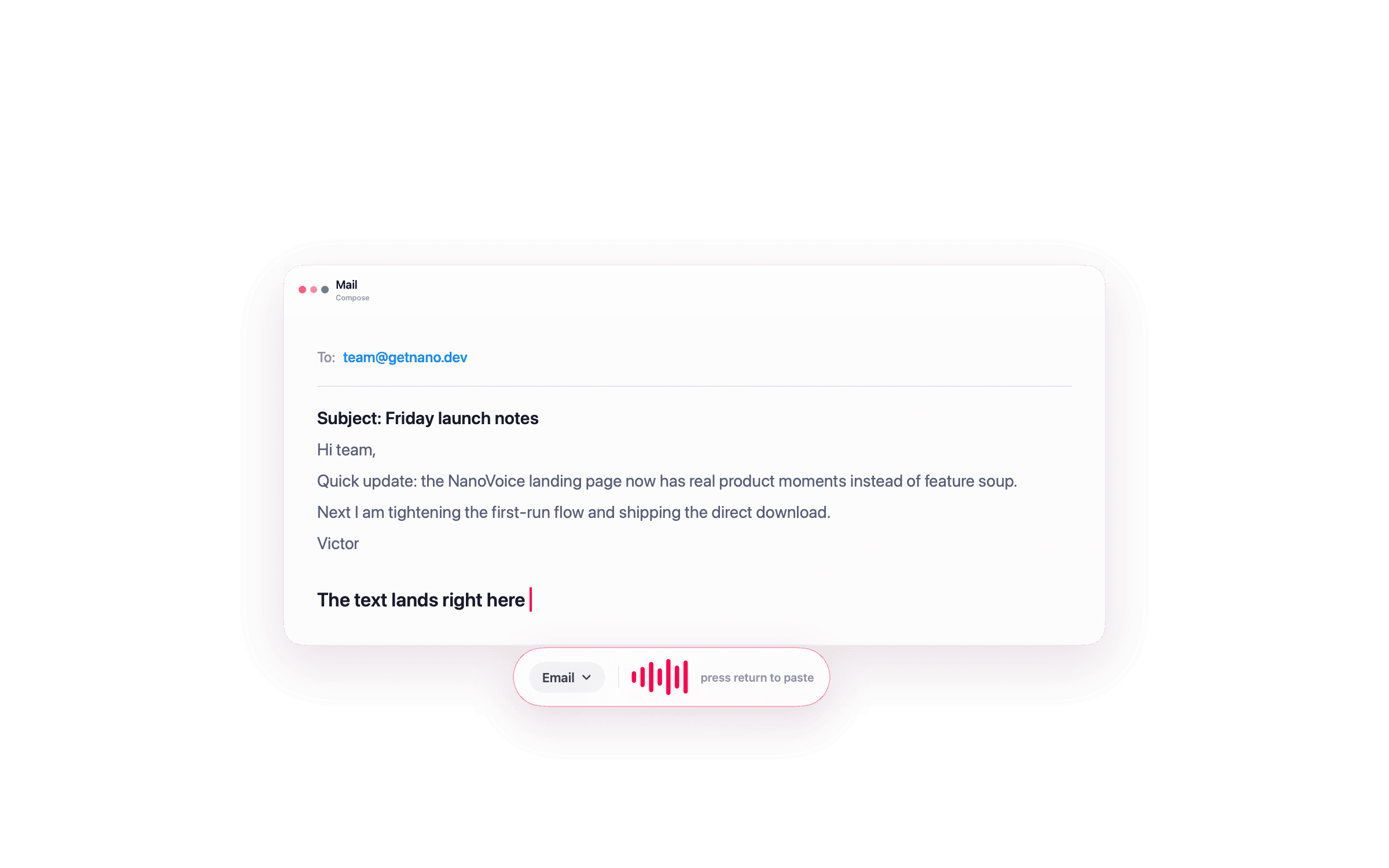
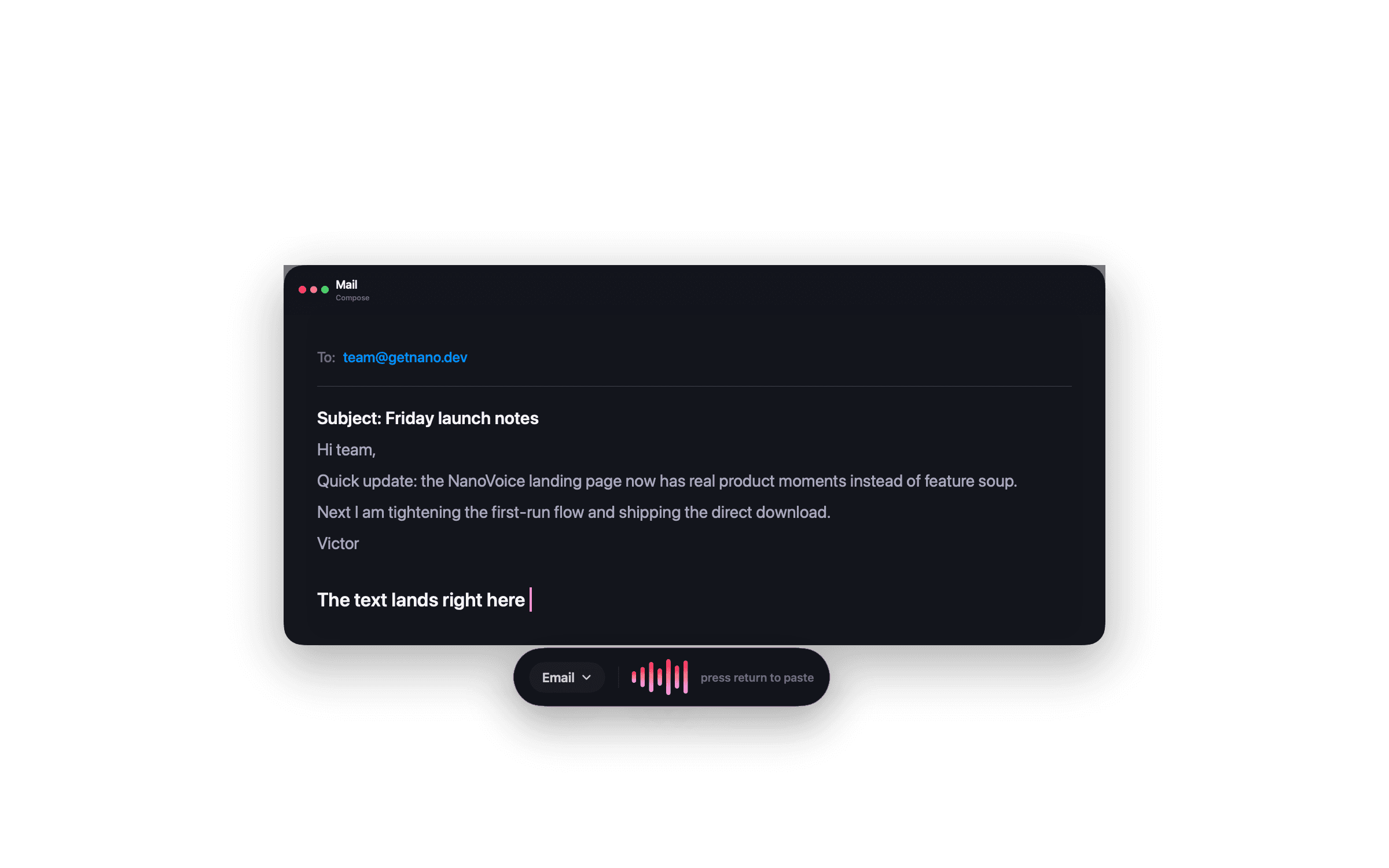
Free dictation uses the same NanoVoice shortcut and paste-at-cursor behavior.
NanoVoice does not make you sign up just to try Mac dictation.
Lifetime adds templates, local models, Meeting Mode, themes, and BYOK providers.
The free tier is useful on its own, with the paid upgrade reserved for deeper workflows.
Free vs paid
If you only need quick speech-to-text, free Apple Speech may be enough. NanoVoice gives it a dedicated menu bar UI, local history, and keyboard-first paste behavior.
Upgrade when you want local Whisper dictation, templates, themes, and private meeting transcription.
Questions about this workflow
NanoVoice is free to download and use for basic dictation with Apple's on-device speech recognition. Lifetime is optional and adds advanced features.
Lifetime adds local Whisper transcription, Meeting Mode, templates, themes, unlimited recordings history, and local or BYOK text enhancement.
No. NanoVoice has a free tier and a one-time Lifetime upgrade. It is not a monthly dictation subscription.
Ready when you speak
Start free with Apple Speech. Press ⌃⌘W, speak naturally, and see whether NanoVoice belongs in your workflow. Lifetime adds local models, private meeting notes, and more ways to shape what you said.
Free with Apple Speech. Lifetime is $4.99 once and adds local Whisper, Meeting Mode, templates, and unlimited history.
Developer ID signed · Not on the Mac App Store
Have an idea for NanoVoice? Request or vote on features.
Keep comparing
Practical guides for privacy, price, meetings, and choosing the right Mac dictation workflow.