01
Meeting Mode
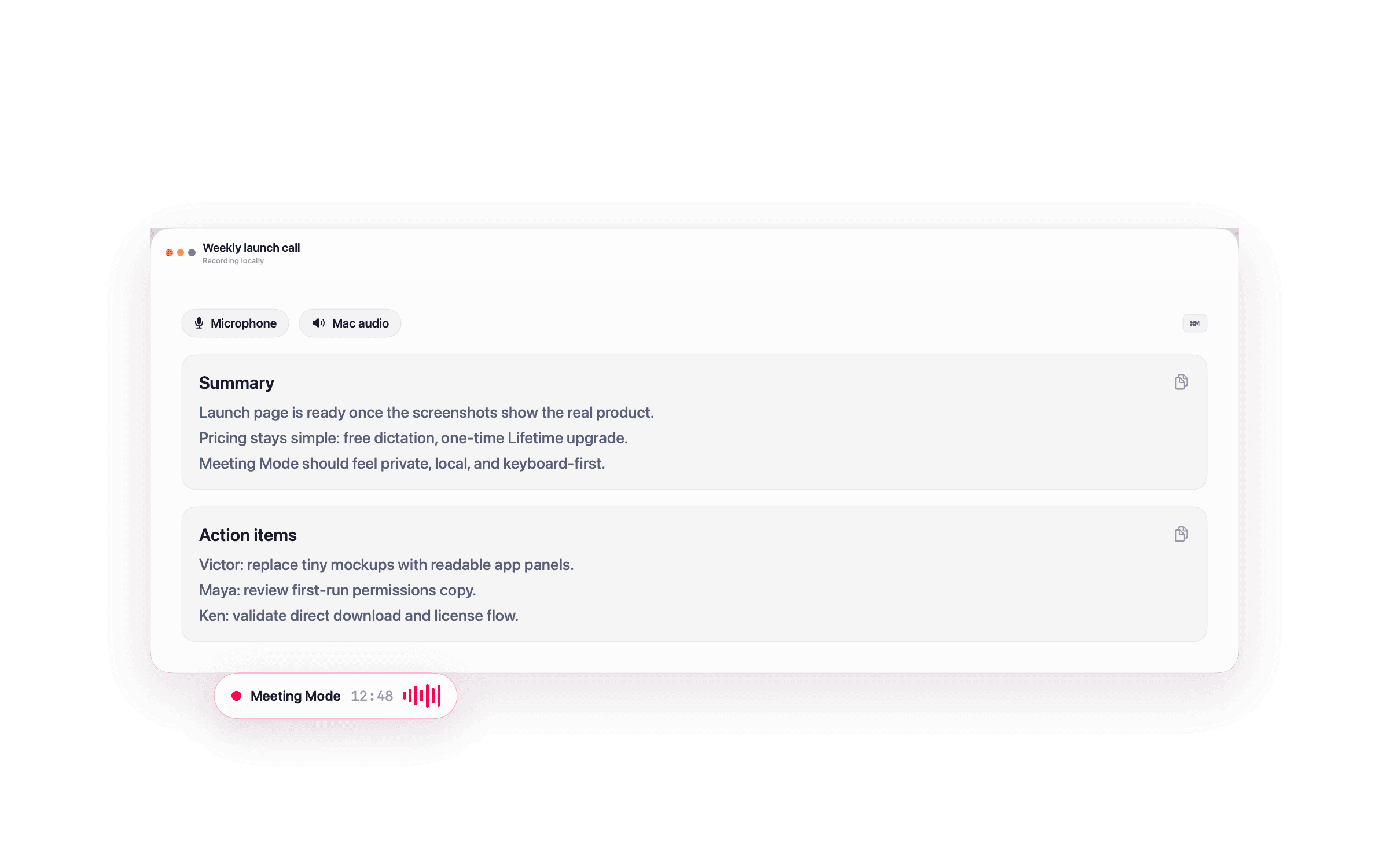
Capture microphone plus this Mac's meeting audio and save the transcript locally.
Meeting transcription
Capture your microphone and this Mac's meeting audio, then save a local transcript and optional summary without inviting a bot into the call.
Free with Apple Speech. Lifetime is $4.99 once and adds local Whisper, Meeting Mode, templates, and unlimited history.
What the workflow includes
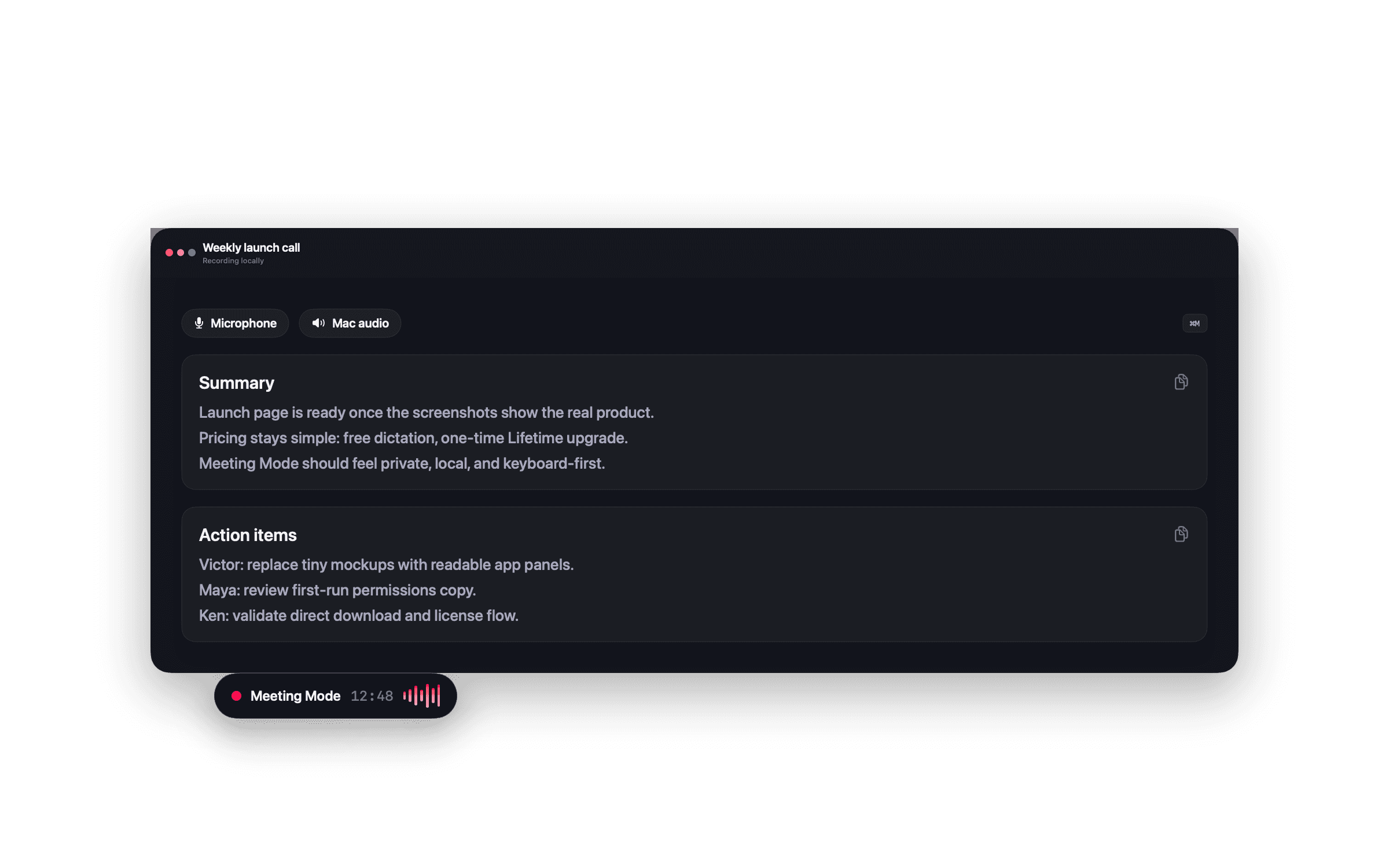
Capture microphone plus this Mac's meeting audio and save the transcript locally.
NanoVoice records locally from your Mac instead of joining the call.
Use templates to turn meeting transcripts into summaries and action items.
Meeting transcripts stay in the recordings panel for review, copy, or paste.
Transcription can run with Apple Speech or local Whisper rather than a hosted speech service.
NanoVoice is tuned for personal local notes, not a browser dashboard or shared team recorder.
Meetings
NanoVoice is designed for your own local meeting notes. It keeps capture on the Mac, shows status in the menu bar, and stores the result in recordings history.
For the broader workflow, read the Mac dictation app guide and the local Whisper guide.
Questions about this workflow
Yes. Meeting Mode is a Lifetime feature that captures your microphone plus this Mac's meeting audio and saves a local transcript.
No. NanoVoice records from your Mac locally. It does not invite a bot into Zoom, Google Meet, Teams, or other calls.
Yes. Lifetime templates can turn transcripts into summaries and action items using local or BYOK text enhancement.
Ready when you speak
Start free with Apple Speech. Press ⌃⌘W, speak naturally, and see whether NanoVoice belongs in your workflow. Lifetime adds local models, private meeting notes, and more ways to shape what you said.
Free with Apple Speech. Lifetime is $4.99 once and adds local Whisper, Meeting Mode, templates, and unlimited history.
Developer ID signed · Not on the Mac App Store
Have an idea for NanoVoice? Request or vote on features.
Keep comparing
Practical guides for privacy, price, meetings, and choosing the right Mac dictation workflow.