01
Keyboard-first dictation
Press the shortcut, speak, then paste at your cursor without opening a separate writing app.
Mac dictation app
Press a keyboard shortcut, speak, and paste text into Mail, Slack, Cursor, Safari, Notes, or any standard Mac text field.
Free with Apple Speech. Lifetime is $4.99 once and adds local Whisper, Meeting Mode, templates, and unlimited history.
What the workflow includes
Press the shortcut, speak, then paste at your cursor without opening a separate writing app.
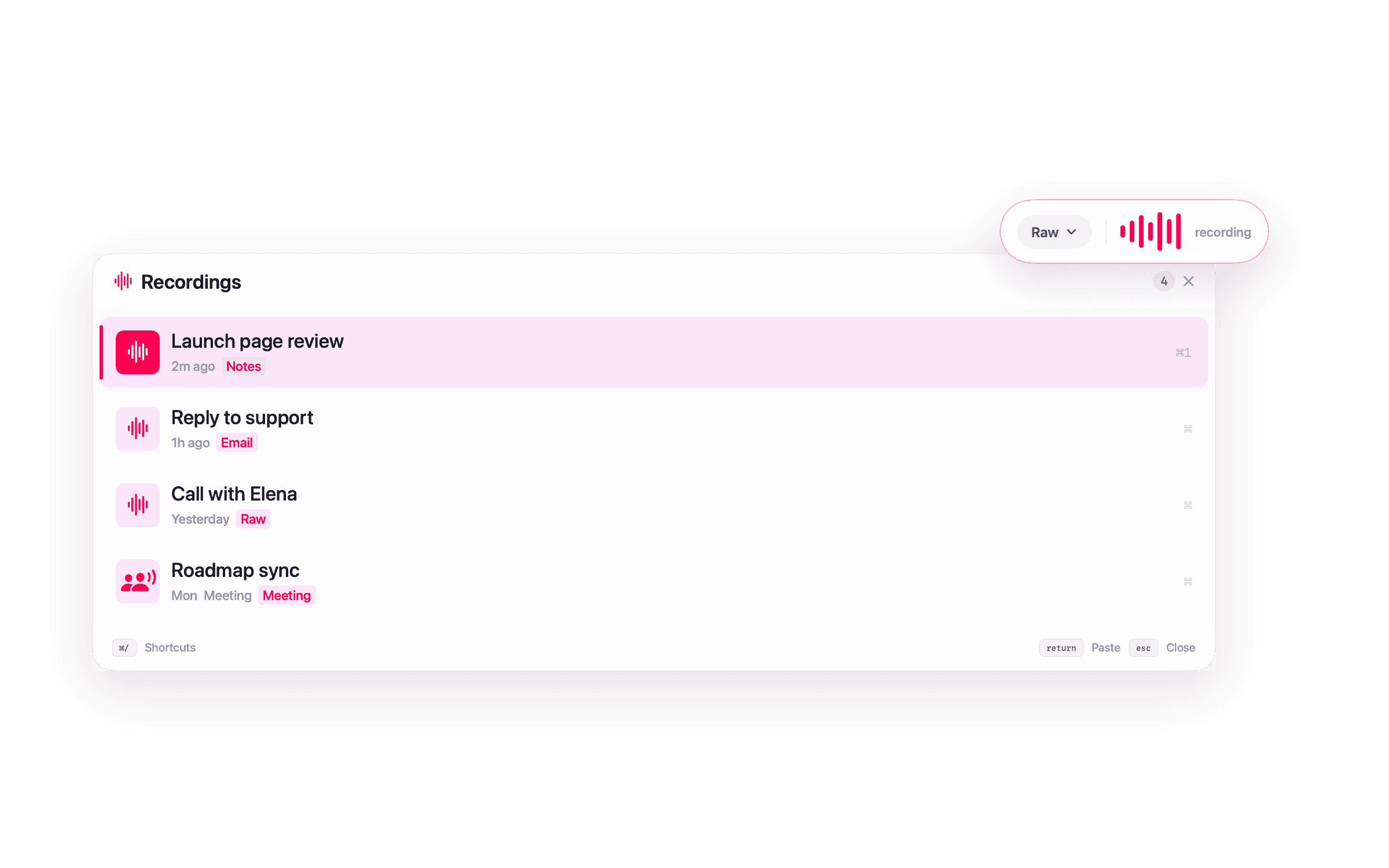
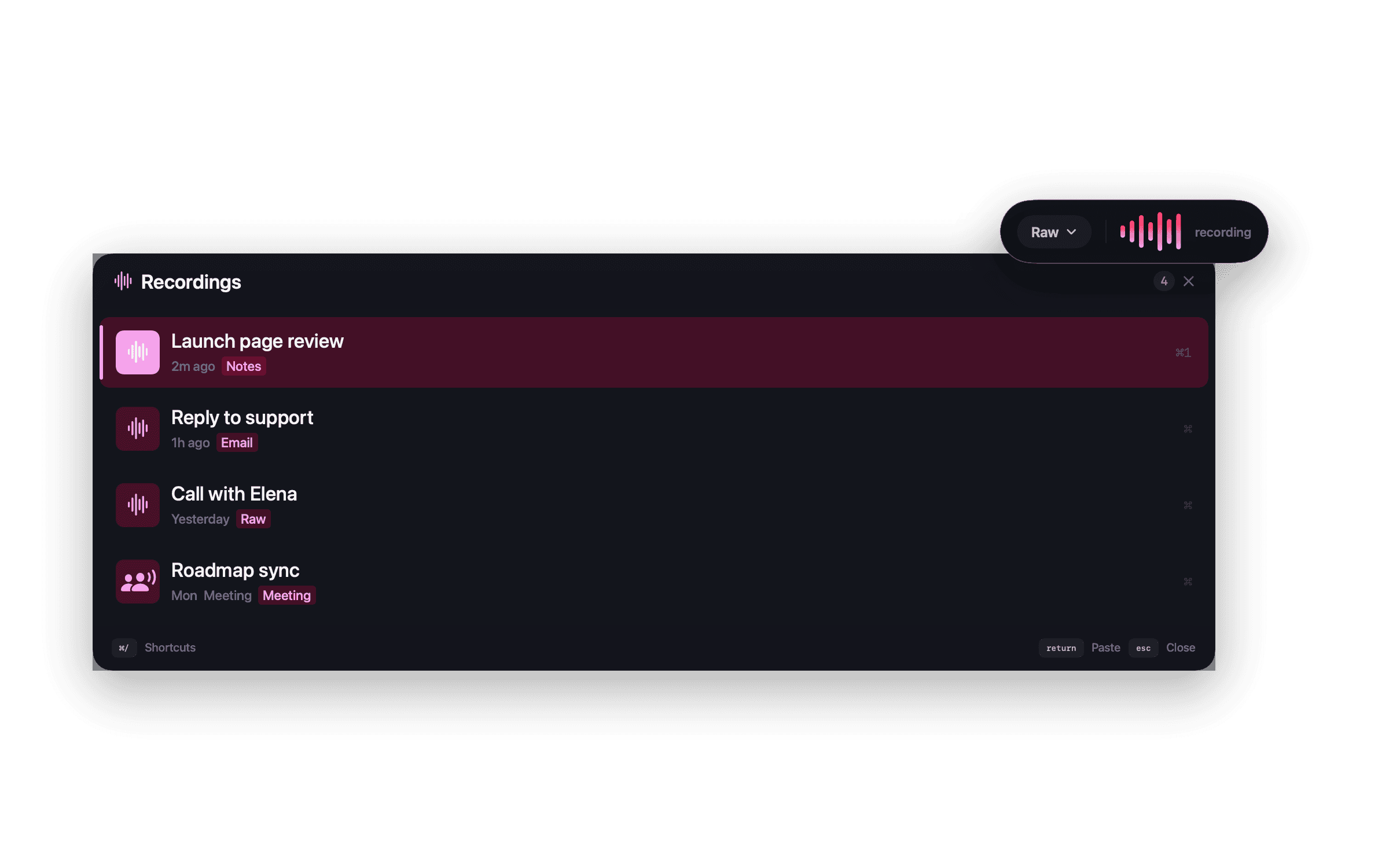
NanoVoice stays out of the Dock and shows a small floating capsule while dictation is active.
The free tier uses Apple's on-device speech recognition, so there is no model to download first.
Transcription happens on your Mac with Apple Speech or local Whisper. No NanoApps account is required.
Lifetime templates can reshape rough speech into emails, messages, notes, or custom formats.
Browse, copy, or paste previous dictations from a keyboard-driven floating panel.
Workflow
Many speech tools assume you want to dictate inside their own app. NanoVoice treats dictation as a Mac utility: start recording, finish the thought, and the text lands where your cursor already was.
Compare the dedicated tools in NanoVoice vs Wispr Flow and NanoVoice vs superwhisper. For privacy-first workflows, see the local Whisper guide.
Questions about this workflow
A good Mac dictation app should start quickly, work in every app, respect privacy, and make it easy to paste text where you were already typing. NanoVoice is built for that keyboard-first Mac workflow.
Yes. NanoVoice pastes transcribed text into standard Mac text fields, including browsers, editors, chat apps, mail clients, and productivity tools.
Yes. NanoVoice is Mac-only and designed around the macOS menu bar, keyboard shortcuts, Accessibility permissions, and local speech APIs.
Ready when you speak
Start free with Apple Speech. Press ⌃⌘W, speak naturally, and see whether NanoVoice belongs in your workflow. Lifetime adds local models, private meeting notes, and more ways to shape what you said.
Free with Apple Speech. Lifetime is $4.99 once and adds local Whisper, Meeting Mode, templates, and unlimited history.
Developer ID signed · Not on the Mac App Store
Have an idea for NanoVoice? Request or vote on features.
Keep comparing
Practical guides for privacy, price, meetings, and choosing the right Mac dictation workflow.