01
No monthly plan
NanoVoice has a free tier and a one-time Lifetime upgrade instead of a recurring dictation subscription.
No-subscription dictation
Basic dictation is free. Lifetime is a one-time upgrade for people who want local speech-to-text without a recurring AI plan.
Free with Apple Speech. Lifetime is $4.99 once and adds local Whisper, Meeting Mode, templates, and unlimited history.
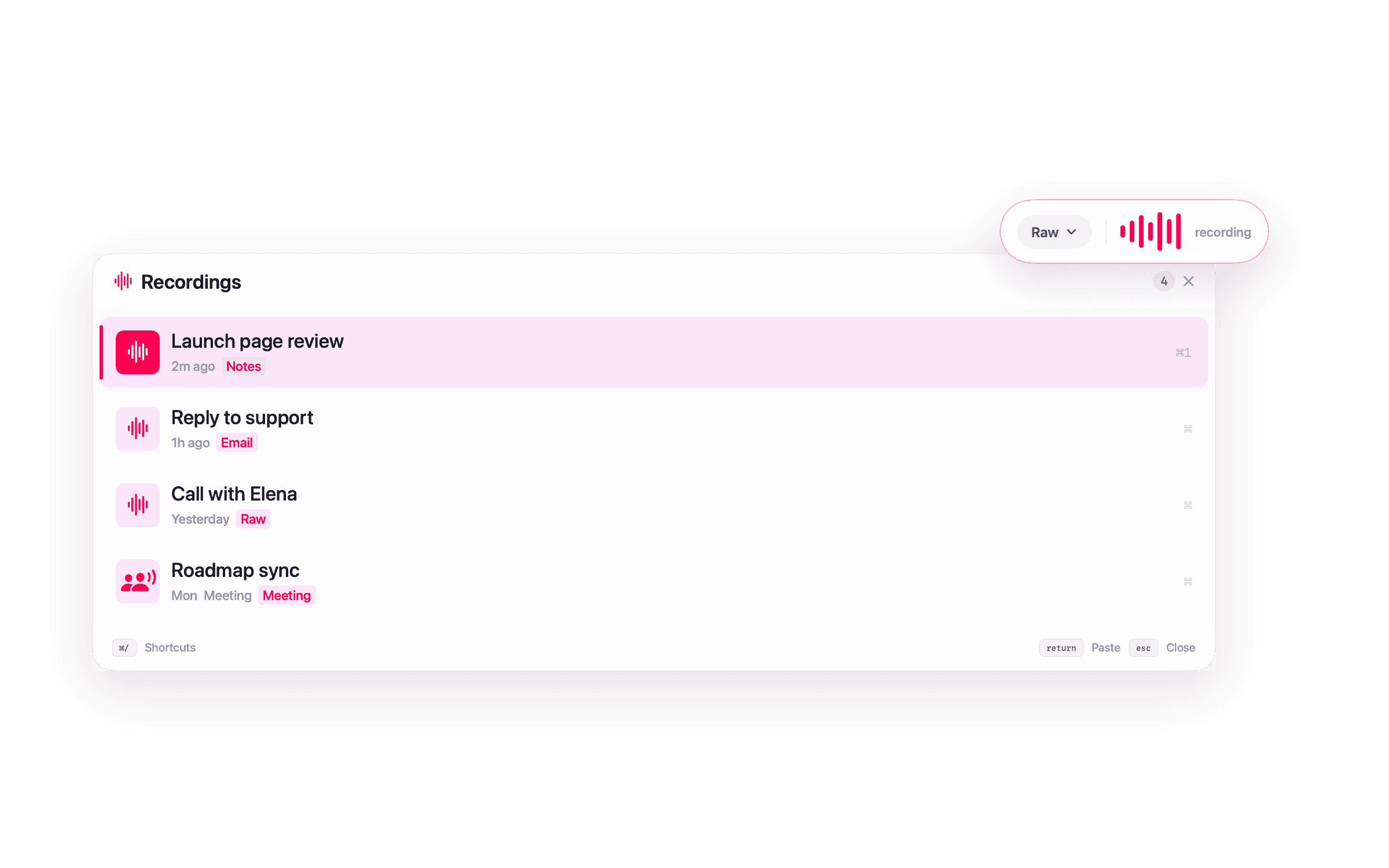
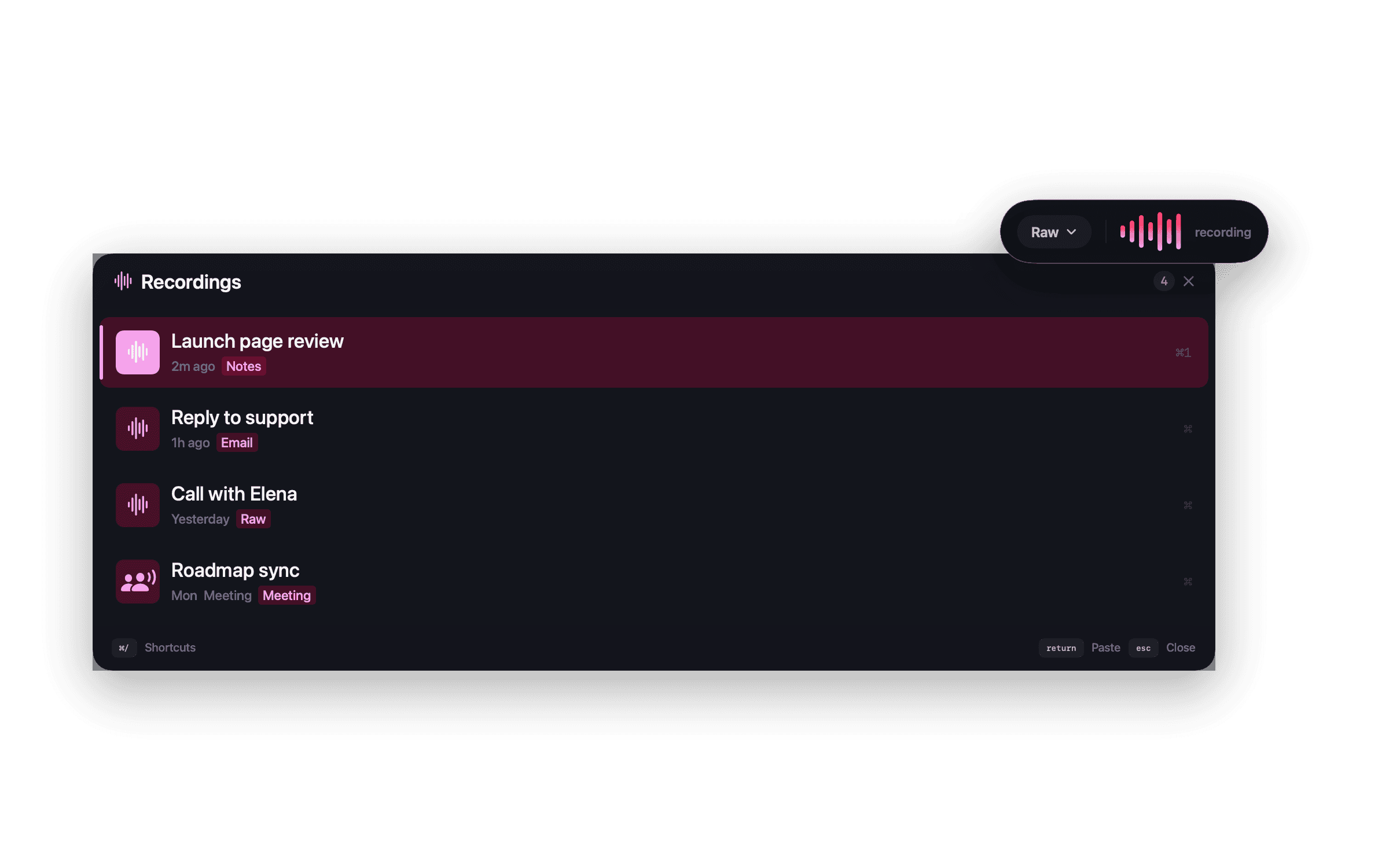
What the workflow includes
NanoVoice has a free tier and a one-time Lifetime upgrade instead of a recurring dictation subscription.
Pay once for local models, templates, themes, and Meeting Mode.
Apple Speech dictation is available without buying Lifetime.
Dictation does not depend on a hosted NanoApps account or subscription status.
Optional cloud formatting uses your provider key instead of a bundled AI subscription.
Use Apple Speech, local models, and Ollama when you want the workflow to stay on your Mac.
Pricing
Subscription tools can make sense when you need hosted AI across several platforms. NanoVoice takes the opposite approach: a Mac-local utility with a free tier and an optional one-time upgrade.
Compare that tradeoff against Wispr Flow or read about the free NanoVoice tier.
Questions about this workflow
Yes. NanoVoice has a free tier and a one-time Lifetime upgrade. There is no monthly plan required for paid features.
NanoVoice focuses on Mac-local speech-to-text, local or BYOK enhancement, and one-time pricing instead of packaging dictation as a cloud subscription.
Yes. Basic dictation uses Apple Speech for free, and Lifetime can use local Whisper and Ollama without buying hosted AI credits from NanoApps.
Ready when you speak
Start free with Apple Speech. Press ⌃⌘W, speak naturally, and see whether NanoVoice belongs in your workflow. Lifetime adds local models, private meeting notes, and more ways to shape what you said.
Free with Apple Speech. Lifetime is $4.99 once and adds local Whisper, Meeting Mode, templates, and unlimited history.
Developer ID signed · Not on the Mac App Store
Have an idea for NanoVoice? Request or vote on features.
Keep comparing
Practical guides for privacy, price, meetings, and choosing the right Mac dictation workflow.